Rovo Agents in ITSM: How AI Teammates Are Transforming Service Desk Operations
Most IT service desks are overwhelmed. Tickets accumulate faster than agents can sort them, password reset requests consume hours better spent on strategic work, and urgent incidents get lost in routine queues. Sound familiar?
Atlassian built Rovo agents directly into Jira Service Management to tackle these exact problems. For enterprise IT leaders navigating the Atlassian Data Center End-of-Life transition, understanding these Cloud-exclusive AI capabilities could reshape your migration timeline.
These agents go beyond simple chatbot responses. According to Atlassian's official Rovo documentation, they analyze ticket content, suggest priorities, draft responses based on historical resolutions, and automate workflows through chat, automation rules, and while editing in Confluence and Jira.
HarperCollins Publishers tested Rovo agents and reported reducing manual project work by 4x, according to Atlassian's Rovo product page. That's the kind of operational shift worth paying attention to.
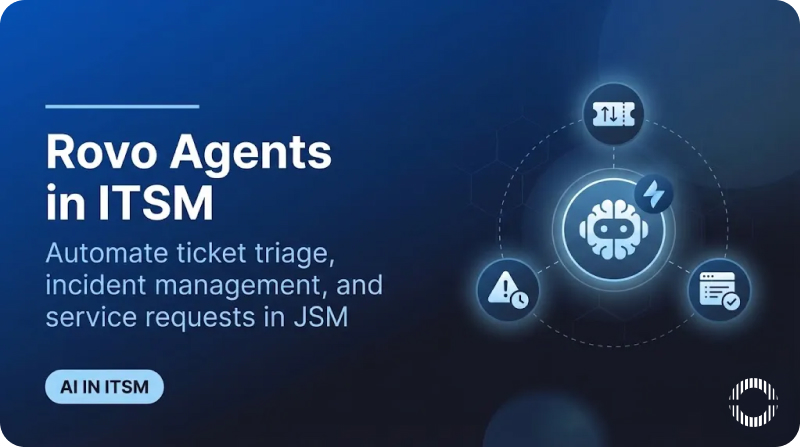
The Three ITSM Agents Built Into Rovo
Atlassian provides specific agents for service management at no additional cost for Standard, Premium, and Enterprise Cloud plans. Let me break down what each one actually does.
Service Triage Agent: Automatic Ticket Classification
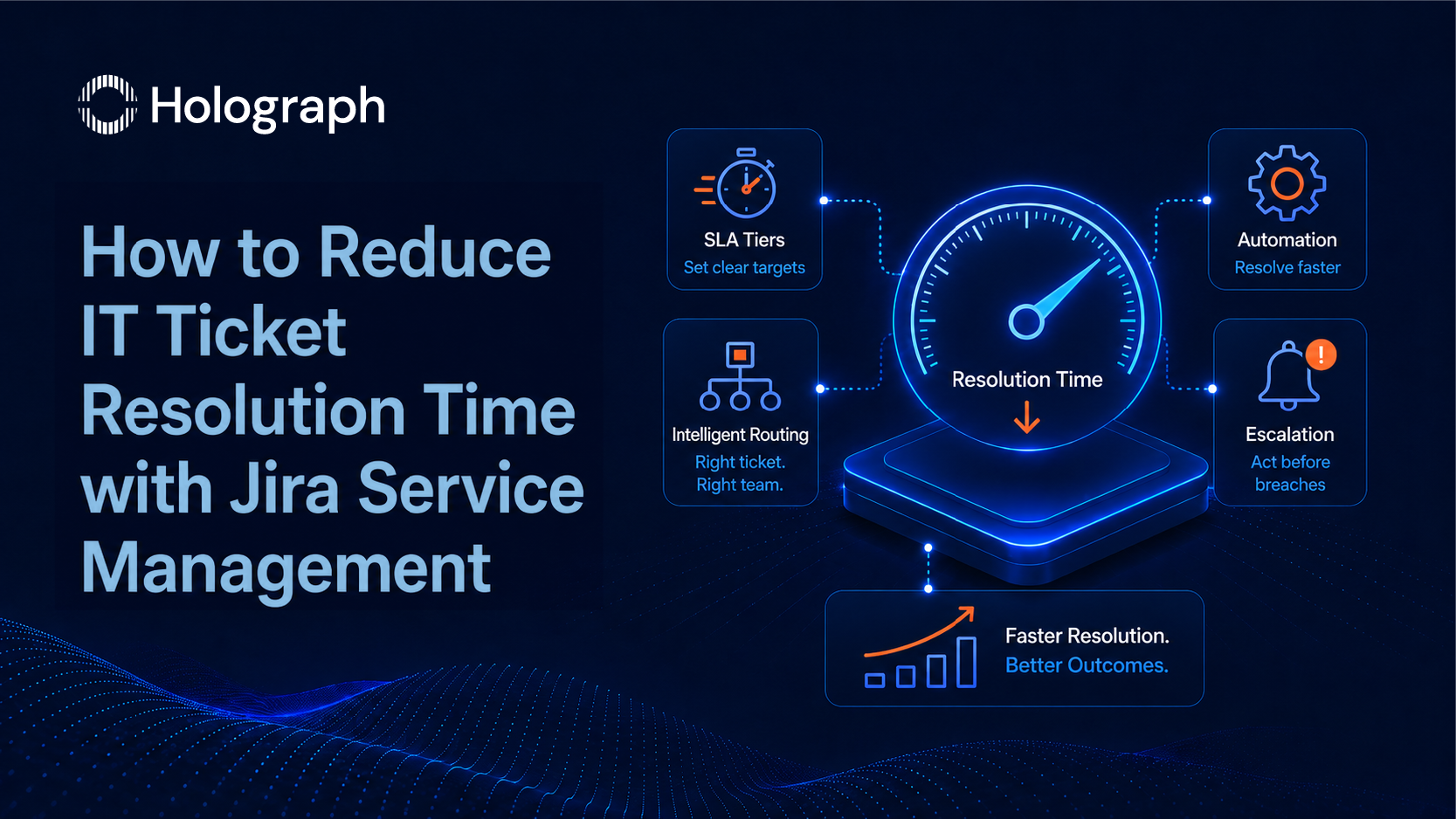
The Service Triage agent examines incoming requests by analyzing content, sentiment, and historical patterns. It determines request types, suggests priority levels, and triggers automated routing through Jira automation rules. According to Atlassian's Service Triage documentation, this agent can instantly rewrite ticket titles and descriptions, update priority fields, and determine whether requests should be escalated based on SLAs.
Here's what makes it genuinely useful: it operates within automation rules. When a ticket enters your queue, the agent processes vague email subjects into properly categorized tickets before human agents even see them. Teams dealing with high email-to-ticket volumes will recognize the value immediately.
Ops Guide Agent: Incident Management Support
Ops Guide is designed for incident responders who need context fast. When incidents occur, responders need to know what happened before, which runbooks apply, who has relevant expertise, and what similar incidents revealed.
According to Atlassian's Ops Guide documentation, this agent surfaces historical data and insights from connected knowledge sources including Confluence articles, Jira work items, JSM incidents, Microsoft SharePoint docs, Google docs, and Slack chat history. It converts natural language queries into proper AQL syntax and generates comprehensive Post-Incident Review drafts.
The agent supports three core workflows: resolving active incidents by gathering historical context, creating post-incident review drafts from incident timelines, and running alert queries using plain English.
Service Request Helper: Agent Productivity Enhancement
Service Request Helper works alongside human agents to accelerate resolution. According to Atlassian's Service Request Helper documentation, this agent suggests resolution steps, identifies assignees based on past similar work items, drafts responses, and provides comprehensive case summaries.
When a team member inherits a ticket with 47 comments spanning three weeks, Service Request Helper generates a summary of key decisions, current status, and recommended actions. That alone can save hours of context-gathering.
How Rovo Connects to Your Knowledge
Rovo's effectiveness depends entirely on what it can access through the Teamwork Graph, Atlassian's data layer connecting Jira, Confluence, and third-party applications.
Your Confluence spaces provide runbooks, troubleshooting guides, and documentation. Agents pull from actual knowledge articles your team created. Jira project history includes past incidents, resolved tickets, and workflow patterns. Agents surface similar cases when relevant.
Connected applications through Rovo connectors bring Google Workspace, Microsoft 365, Slack, and other platforms into the Teamwork Graph. Organizations with well-maintained knowledge bases see dramatically better results. AI amplifies whatever knowledge management discipline already exists. If your documentation is sparse or outdated, Rovo will reflect that limitation.
Getting Started: High-Value Use Cases
Identify Repetitive Patterns
Use Rovo Chat to analyze resolved tickets with a prompt like: "What themes can you identify in my Jira issues?" combined with a JQL query filtering recent resolutions. This reveals which categories consume agent time on routine tasks that could be automated.
Build Knowledge From Resolutions
Rovo can draft knowledge base articles from resolved tickets. Request: "Create a knowledge base article to help solve this issue using support articles, documents, and previous related tickets." Human review improves quality, but initial drafting gets automated.
Configure Automation Rules
The real power emerges when agents operate within automation rules. New ticket arrives, Service Triage analyzes it, updates fields, routes to the appropriate queue. Assigned agents receive properly categorized tickets with context already gathered.
Limitations to Understand
Be realistic about what Rovo can and cannot do.
Rovo excels within Atlassian products but cannot directly execute actions in ServiceNow, Zendesk, or custom tools. Agents only access connected sources, so critical information in disconnected systems means incomplete recommendations. Multi-factor decisions requiring business context still need human evaluation.
Knowledge quality determines output quality. Organizations with outdated documentation or fragmented knowledge bases will see limited results until those foundations improve. The "garbage in, garbage out" principle applies directly here.
Measuring Success
Track these metrics to evaluate Rovo's impact on your service desk.
Ticket deflection rate measures how many requests get resolved without human intervention. Organizations typically report 15-40% reduction with properly configured Rovo implementations.
MTTR improvements show faster resolution times. AI-assisted ITSM implementations commonly achieve 30-50% faster resolution.
Agent time savings quantify hours recovered from automated triage against labor costs. This metric often justifies the migration effort alone.
How Holograph Helps
At Holograph, our Atlassian Gold Solution Partner team guides JSM implementations across regulated industries. We assess existing ticket patterns, knowledge base health, and automation maturity before recommending configurations.
For organizations still in the Data Center facing the March 2026 deadline, we plan migrations that unlock Cloud-exclusive capabilities like Rovo while ensuring data integrity. The time to evaluate your migration path is now, before the deadline pressures force rushed decisions.
Frequently Asked Questions
Is Rovo included with JSM subscriptions?
Yes, Rovo is included at no additional cost with Standard, Premium, and Enterprise Cloud plans, according to Atlassian's official Rovo page.
Can Data Center customers use Rovo?
Rovo is Cloud-exclusive. However, Data Center connectors for Jira, Confluence, and JSM enable data synchronization between DC and Cloud environments, allowing customers to leverage cloud-based AI features while maintaining existing infrastructure.
How long until results appear?
Organizations typically see measurable improvements within 4-6 weeks of proper configuration. Results depend heavily on knowledge base quality and automation rule setup.
What is the difference between Rovo agents and Virtual Service Agents?
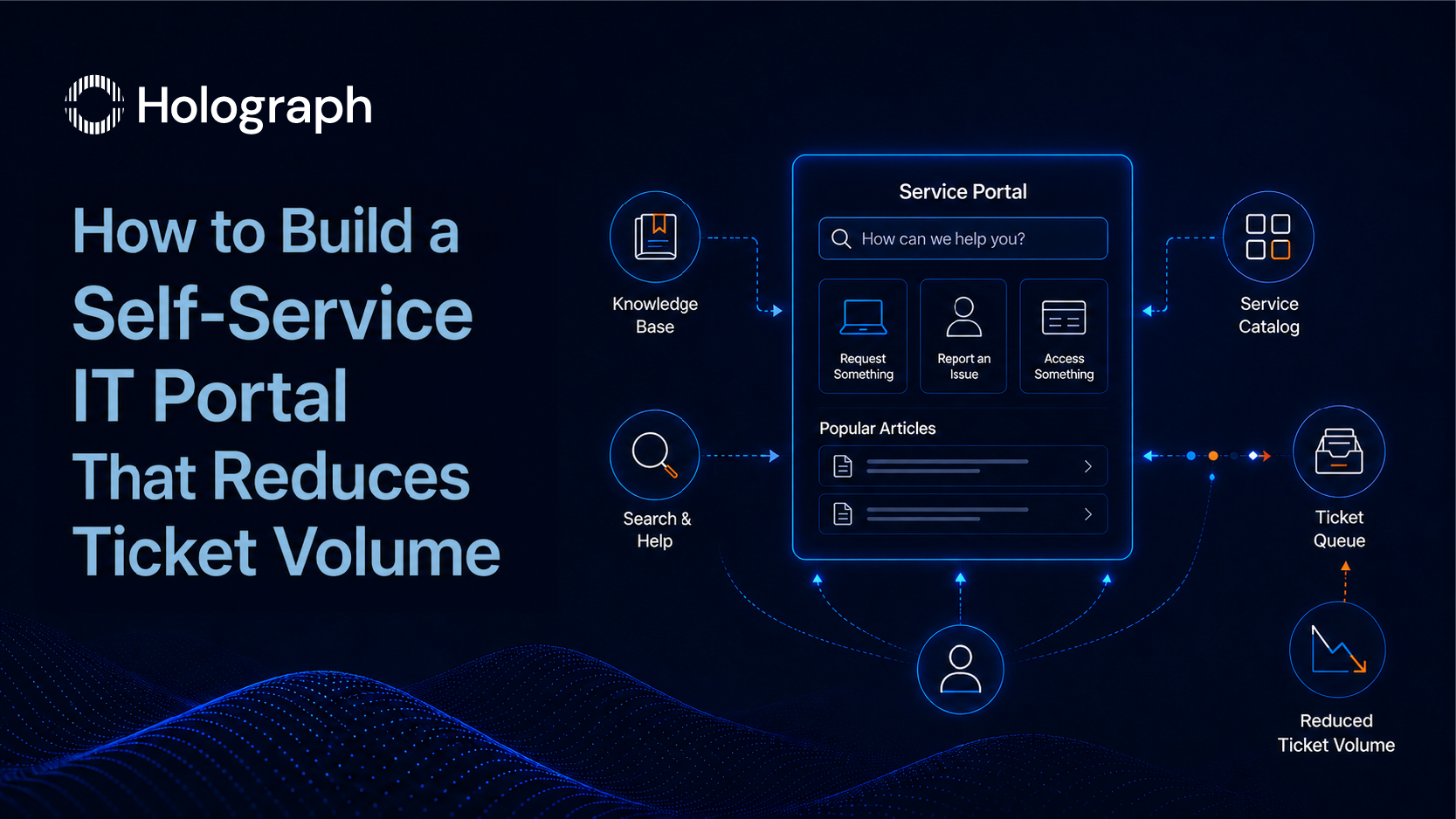
Virtual Service Agent handles portal-based customer self-service. Rovo agents work within Jira, Confluence, and automation rules for triage, incidents, and agent assistance. Atlassian is evolving these capabilities, with recent beta programs combining the best of both approaches.
Conclusion
Service desks using Rovo handle higher volumes with the same headcount, resolve incidents faster, and free agents from repetitive triage for complex problems requiring human expertise.
For organizations planning Cloud migration, Rovo represents a compelling reason to act before the Data Center deadline. These capabilities require the Cloud platform Atlassian continues building around. Learn more about how Rovo is revolutionizing service desks.
Contact Holograph to assess your readiness for AI-powered ITSM.