Enterprise ITSM: The Complete Guide to IT Service Management
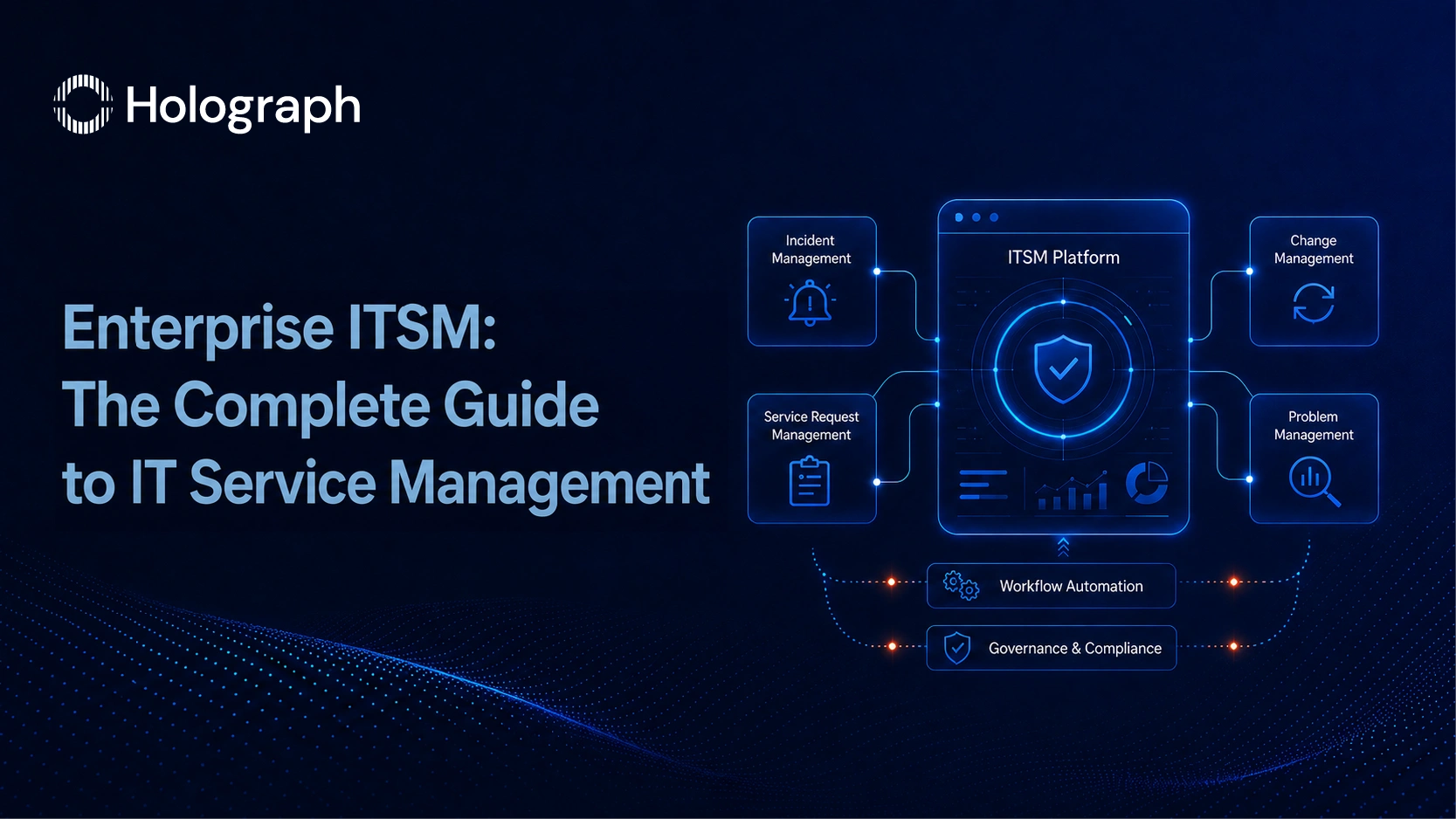
Most enterprise ITSM implementations fail slowly. The platform goes live. The IT team starts using it. Ticket queues form. And six months in, resolution times are not measurably better, the self-service portal is empty, and the business has reverted to emailing IT directly. The platform is running. The implementation is not working.
The gap between those two things is not a technology problem. It is a design problem. In most cases, the design was never built. Organisations move from purchasing a platform to configuring it without first establishing the service management framework the configuration is supposed to execute. The result is a technically functional system with no coherent operating model underneath it.
This guide covers the complete picture: what ITSM actually involves, the four practices that determine whether an implementation delivers results, the three phases that define the correct sequence, and what a well-scoped enterprise ITSM engagement produces in practice. The three posts in this series go deeper on each phase: ITIL 4 implementation with JSM, self-service portal design, and automation for resolution time reduction.
What ITSM Is (and What It Is Not)
IT Service Management is the discipline of managing IT services to deliver value to the business. That definition is worth sitting with, because it clarifies what ITSM is not: a platform, a ticketing system, a help desk, or an IT department technology purchase.
ITSM is the set of processes, roles, and policies that govern how IT services are designed, delivered, supported, and improved. The platform (whether Jira Service Management, ServiceNow, or any other) executes those processes. The processes have to be designed first. When an organisation configures JSM before building the service management framework, the platform ends up reflecting how the IT team works rather than how the business needs it to work. Those are frequently different things.
ITIL 4 is the current version of the most widely adopted ITSM framework globally. It replaced the more prescriptive ITIL v3 model with a Service Value System that centres on outcomes and value creation rather than compliance with a defined process catalogue. For enterprise IT leaders, the practical shift is meaningful: ITIL 4 asks you to design for outcomes first, then identify which practices are needed to achieve them. The process follows the goal. In ITIL v3, the process often was the goal.
ITSM vs ITOM: Why the Distinction Matters for Platform Configuration
IT Service Management and IT Operations Management address different concerns, and conflating them at the configuration stage creates problems that surface weeks after go-live.
ITSM governs the services delivered to business users: incidents when something breaks, requests when users need something, changes to live environments, and the investigation of recurring problems. ITOM governs the infrastructure that runs those services: networks, servers, monitoring systems, capacity, and availability.
Both disciplines are necessary. The configuration problem arises when a single JSM project is used to handle both without separating the process design. The outcome is one queue with no coherent prioritisation logic, where a user password reset and a production outage compete for an agent's attention under the same SLA timer. Separating the two at the service design stage prevents this. It also makes the JSM configuration significantly more straightforward.
The Four Core ITSM Practices Every Enterprise Must Get Right
ITIL 4 defines 34 management practices. For enterprises implementing ITSM for the first time or restructuring an existing deployment, four practices account for the majority of operational performance. Getting these four right is not sufficient for a world-class ITSM programme, but getting any of them wrong guarantees the programme will underperform.
Incident Management
An incident is an unplanned interruption to a service, or a reduction in service quality. The goal of incident management is to restore normal service operation as fast as possible, with the minimum disruption to the business.
The most common failure is the absence of a priority matrix. Without one, users flag everything as high priority, because from their perspective, their issue is always urgent. The IT team then spends its highest-priority queue time on requests that are neither high impact nor time-sensitive, while genuinely critical incidents wait. The result is SLA breaches across all tiers, an IT team that feels perpetually behind, and leadership data that accurately describes the problem but cannot identify its source.
A functional priority matrix uses two variables: impact (how many users or business processes are affected?) and urgency (how quickly does this need to be resolved before the impact grows?). Both variables are defined in business terms, not IT terms. A Tier 1 incident affects a revenue-generating process. A Tier 4 incident affects one user in a non-critical workflow. The definitions must be agreed with the business before they are built into the platform.
Service Request Management
A service request is a formal user request for something to be provided: new device access, a software licence, a password reset, an onboarding task. The defining characteristic of a service request is that it is planned and expected. It follows a known process with a predictable resolution path.
Service requests and incidents should never share a queue. When they do, several things happen: resolution time metrics become meaningless because they average high-complexity incidents with five-minute password resets; agents self-select the easy tickets and leave complex ones; and the SLA data cannot tell you whether the IT team is struggling with incident complexity or drowning in preventable routine volume.
A properly designed service catalogue establishes separate request types for service requests, routes them to dedicated queues, and measures their resolution separately from incidents. That separation alone tends to produce an immediate improvement in reported resolution time metrics. Not because the team is working faster, but because the data is finally telling the truth about what the team is resolving.
Change Management
A change is any alteration to the IT infrastructure or live services that could affect stability or availability. Change management exists to ensure changes are assessed, approved, implemented, and reviewed in a structured way, reducing the risk of incidents caused by uncontrolled modifications.
The failure mode in most enterprise environments is not the absence of a change management policy. It is that the policy exists but is not enforced under pressure. Approvals are bypassed when deployments are urgent. Changes go undocumented when the window is tight. Production outages caused by undocumented changes are recorded as incidents, and the root cause never surfaces because the change management trail is incomplete.
The fix is not more documentation. It is integrating the change approval workflow into the same platform the team already uses daily. When change requests are raised in JSM, linked to release tickets, and routed through an automated approval chain, compliance becomes the path of least resistance rather than the path of most resistance.
Problem Management
A problem is the underlying cause of one or more incidents. Problem management identifies and removes root causes to prevent recurrence.
This is the practice that most ITSM programmes skip entirely, and it is the one whose absence is most visible in the metrics. When incidents close without root cause analysis, the same issues recur at regular intervals. The IT team resolves the symptom, closes the ticket, and encounters the same symptom the following month. The repeat incident rate climbs. MTTR stays flat despite process improvements.
A functioning problem management practice maintains a known error database, links problem records to the incidents that share a root cause, and runs a structured problem review cadence. The cadence does not need to be frequent. A monthly review of the top five recurring incident categories often surfaces the two or three underlying problems that account for 60% of repeat ticket volume. Fixing those problems, properly, removes a significant portion of the incident load without any change to staffing or tooling.
The Deployment-to-Adoption Gap
There is a specific pattern in enterprise ITSM programmes that does not get discussed enough. The implementation is declared successful at go-live. Adoption data is not collected. Six months later, the business is still not using the self-service portal, the IT team is still resolving incidents from email, and nobody can explain why the investment is not delivering the returns the business case projected.
This is the deployment-to-adoption gap. It is the distance between a platform that is technically live and a service management capability that is actually operating. Three specific failures drive it.
The platform is configured for IT administrators, not for the people raising requests. The service catalogue uses internal IT terminology that means nothing to a business user. Portal categories reflect the IT department's internal structure. Users search for "printer not working," get zero results, and send an email instead. The portal traffic data looks reasonable because the IT team uses it. Business users never do.
ITSM processes are designed in a workshop and never embedded in daily operations. The project ends at go-live. No structured onboarding follows for the business. No adoption measurement is in place for the first 90 days. Agents continue working from habits formed before the new platform existed. Three months in, the system has data, but the behaviours that make the data useful have not changed.
No baseline is established before go-live, so the gap is invisible. Without a starting point for resolution time, SLA breach rate, first contact resolution rate, and self-service deflection rate, there is no way to determine whether the implementation is improving anything. The platform is live. Whether it is working is a question nobody has the data to answer.
The business cost of staying in this gap accumulates over time. SLA breaches affect the services the business depends on. Repeat incidents occupy IT capacity that could be directed at higher-value work. An IT organisation that operates reactively, regardless of the platform it runs on, is perceived by the business as slow and difficult. That perception is hard to change without measurable improvement in service quality. Measurable improvement requires the data that most programmes never collect.
Implementing ITSM in Three Phases
The sequence matters as much as the content. The three phases below are not optional stages; they are the correct order of decisions. Reversing the sequence (configuring the platform before designing the service) is the most common reason enterprise ITSM implementations require rebuilding within 18 months.
Phase 1: Service Design
The service catalogue is the foundation. It defines what IT provides, to whom, under what conditions, and at what service level. Without it, platform configuration has no reference point. Queues get created without agreed ownership. SLA tiers get set without agreed business definitions. The portal gets built around what IT finds easy to configure rather than what users need to find.
Service design work covers four decisions: mapping business services to technical services, defining SLA tiers based on business impact, establishing the request types that will be visible in the portal, and agreeing the approval and escalation paths for each practice area. This work takes time. It requires input from IT leadership and business stakeholders. It cannot be done in a single workshop. For an enterprise ITSM programme, three to four weeks of dedicated service design is not excessive. It is the minimum that produces a catalogue robust enough to build against.
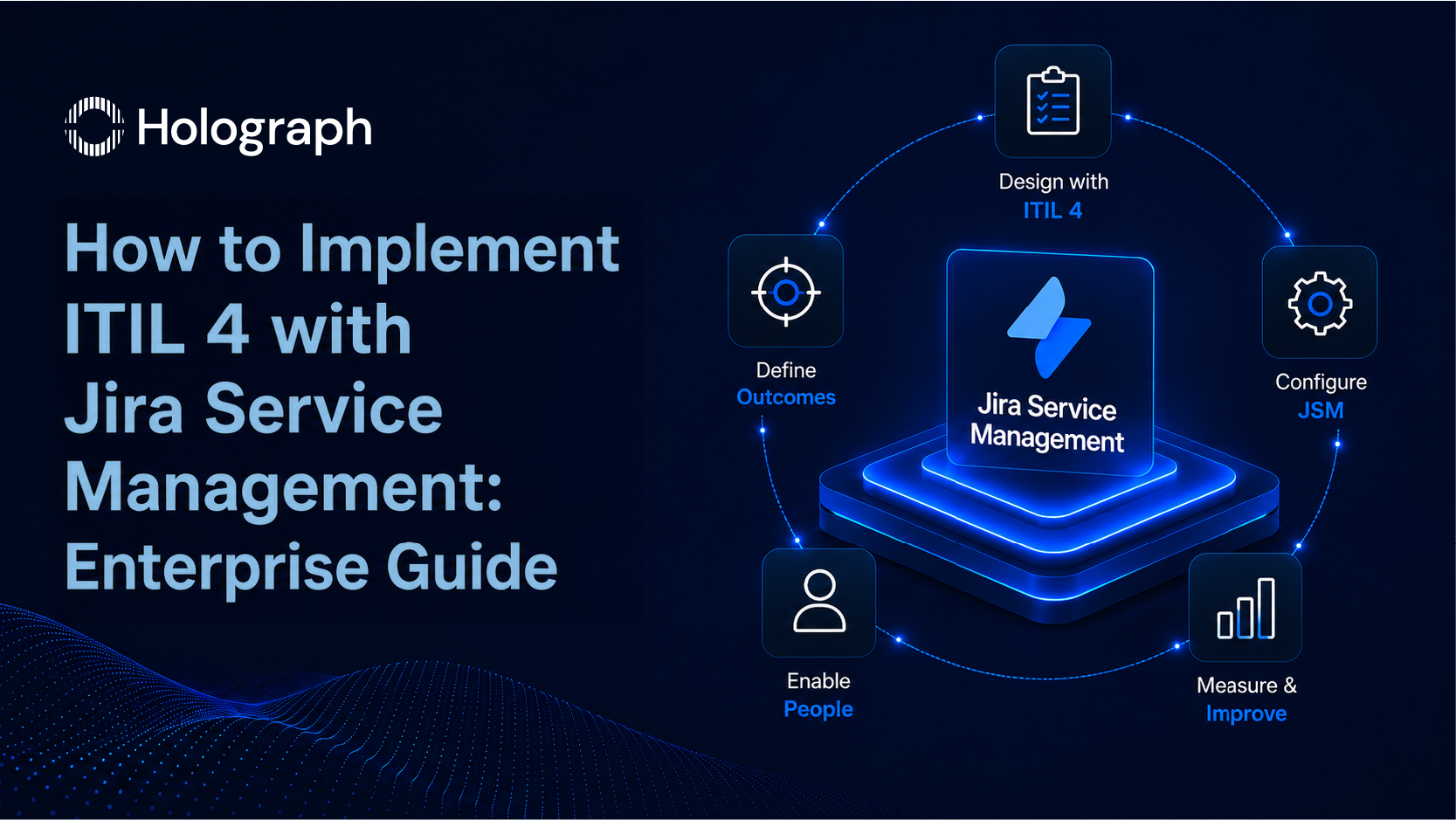
For the detailed implementation steps, including how ITIL 4 practices map to JSM configuration, see How to Implement ITIL 4 with Jira Service Management.
Phase 2: Platform Configuration
Once the service catalogue is defined, JSM configuration follows directly from its decisions. Queues reflect the agreed practice areas and team ownership. SLA timers are built from the agreed business definitions, not from default platform settings. The self-service portal categories use user language, not IT language. The Confluence knowledge base is populated with articles before the portal goes live, because a portal without a functioning knowledge base is a form collection, not a self-service capability.
Configuration discipline at this phase prevents the most expensive post-go-live remediation work. Changing queue logic, SLA definitions, and portal structure after the platform is live requires coordinating changes across active data, which is disruptive and time-consuming. Getting the configuration right in the first pass requires having the service design right first. The sequence is not negotiable.
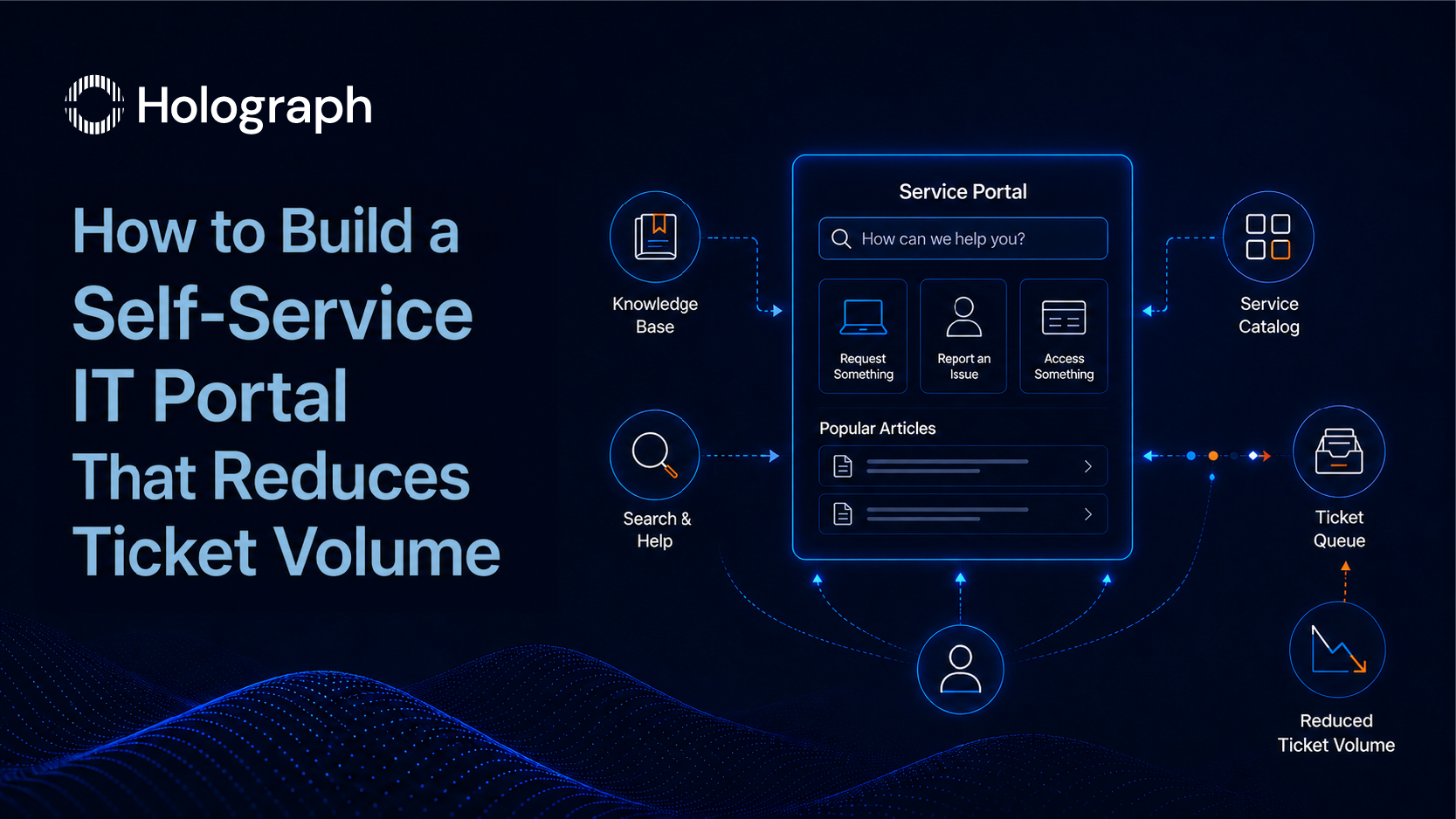
For the full portal build process, including Confluence knowledge base architecture and deflection measurement, see How to Build a Self-Service IT Portal That Reduces Ticket Volume.
Phase 3: Adoption and Automation
Go-live is the start of the adoption programme, not the end of the implementation. Two parallel workstreams run from this point: user adoption and operational optimisation.
User adoption requires structured onboarding for both the IT team and the business users raising requests. For the IT team, this means establishing the queue management behaviours, triage disciplines, and escalation habits the new system is designed to support. For business users, it means communicating that the portal exists, what it can do, and where to go for what. Both workstreams require consistent measurement from week one. Without data from the first 30 days, there is no basis for knowing what to address in the second 30 days.
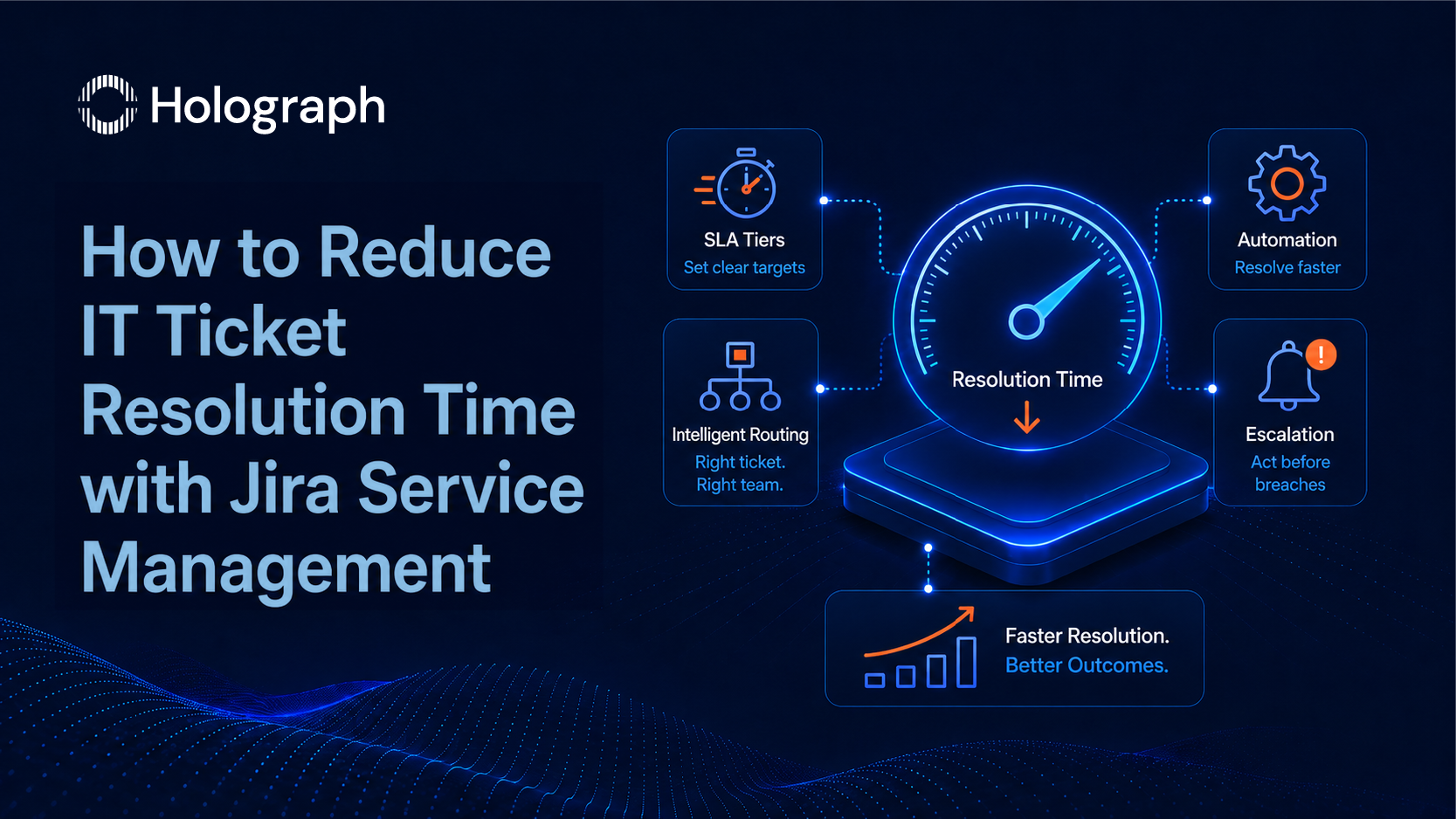
Operational optimisation runs in parallel: implementing automation rules that reduce the manual overhead on the IT team, establishing the SLA breach alert logic, and building the problem management review cadence. The automations that deliver the most return in the first 90 days are auto-assignment by request type, SLA breach notifications to the correct recipients, and auto-resolution paths for known issue types with documented fixes.
For the specific automations and resolution time metrics, see How to Reduce IT Ticket Resolution Time with Jira Service Management.
What Enterprise ITSM Implementation Looks Like in Practice
The three-phase model described above is not theoretical. It is the operating structure behind the ITSM engagements Holograph has delivered for enterprise clients across regulated industries and high-complexity IT environments.
ZATCA: Centralising an Enterprise Atlassian Ecosystem
ZATCA, the Zakat, Tax and Customs Authority in Saudi Arabia, operated its Atlassian environment across a third-party infrastructure. Jira, Confluence, and Bitbucket data was held outside ZATCA's own control, with change management workflows managed separately in ZATCA's in-house system.
Holograph migrated the full Atlassian environment into ZATCA's own infrastructure: Jira, Confluence, and Bitbucket data migrated, the Atlassian product stack upgraded from version 8.22.x, and Jira integrated directly with ZATCA's internal change management tool for automated workflow. Timesheet tracking and task management were automated. Disaster Recovery systems were redesigned and optimised.
The outcome was a centralised Atlassian ecosystem that ZATCA owns and controls directly, with Jira integrated into existing operational workflows rather than running alongside them. Centralised data ownership, enhanced operational efficiency, and a future-ready Atlassian environment were the documented results.
Hyundai Mobis: 60%+ System Performance Improvement
The Hyundai Mobis engagement ran over 12 months: three months of discovery, three months of implementation, six months of optimisation. The scope covered the full Atlassian ecosystem architecture: redundant add-ons audited and removed, reporting automated, custom dashboards built, Agile Scrum processes restructured, and SSO implemented across the environment.
The headline result: system performance improved by 60%+. Report generation time fell from over 15 minutes to seconds. The improvement came from architectural decisions (removing redundancy, restructuring the data flows, and automating processes that previously required manual intervention), not from platform upgrades or increased spend.
Read the Hyundai Mobis case study
When to Bring in an Atlassian ITSM Partner
Several indicators suggest that an internal team will benefit from specialist support on an ITSM implementation.
The service design work has stalled because it requires process decisions the team has not had to make before. Building a service catalogue from first principles, defining SLA tiers in business terms, and separating incident from request management are tasks that require both ITSM process knowledge and platform configuration experience. Internal teams strong on one dimension are frequently limited on the other.
The implementation is already live but adoption is low and the team cannot diagnose why. Post-go-live remediation is a specific capability. Identifying where the deployment-to-adoption gap is widest, which process decisions created it, and what can be corrected without rebuilding the entire configuration requires diagnostic experience that is distinct from the initial build experience.
The organisation is in a regulated industry or geography with specific data ownership, audit trail, or compliance requirements for the ITSM environment. Implementations for government, financial services, and insurance enterprises in the Gulf region, in particular, require knowledge of both the platform and the regulatory context it operates in.
Holograph holds Atlassian Solution Partner status with a certified ITSM specialisation. The team has designed and delivered enterprise-scale ITSM implementations for clients across the USA, UAE, KSA, and India, covering platform design, ITIL 4 process alignment, JSM configuration, Confluence knowledge base architecture, and structured post-go-live adoption programmes across 170+ enterprise engagements.
The Implementation is the Easy Part
Platform configuration, in the end, is relatively straightforward once the design decisions are made. JSM is capable software. The queue structures, SLA timers, automation rules, and portal configuration it supports are mature and well-documented. What is not straightforward is designing the service management framework the platform is supposed to execute, building the service catalogue before touching the configuration, and sustaining the adoption programme long enough after go-live to close the gap between a live platform and a functioning ITSM capability.
The organisations that close that gap are the ones that treat implementation as three distinct phases of work rather than a single technology project. The three posts in this series go deeper on each: ITIL 4 implementation with Jira Service Management, building the self-service portal, and reducing IT ticket resolution time through automation.
If your organisation is planning a Jira Service Management implementation, or has already deployed JSM and is not seeing the service improvement the business expected, Holograph's ITSM team can assess where the gap is and what it takes to close it. Talk to Holograph's ITSM team
Enterprise clients can also review what a centralised Atlassian ITSM environment looks like in practice. Read the ZATCA case study
Frequently Asked Questions
What is ITSM and how does it work?
IT Service Management (ITSM) is the discipline of designing, delivering, managing, and improving IT services to meet business needs. It works through defined processes and policies, governed by frameworks such as ITIL 4, that determine how IT responds to incidents, handles service requests, manages infrastructure changes, and investigates recurring problems. The processes are designed first. A platform such as Jira Service Management then executes those processes.
What is the difference between ITSM and ITOM?
IT Service Management (ITSM) governs the services delivered to business users: incidents, requests, changes, and problems. IT Operations Management (ITOM) governs the infrastructure those services run on: networks, servers, monitoring systems, and availability. Both are necessary in an enterprise IT environment. The distinction matters at the configuration stage because mixing the two in a single workflow structure produces a platform with no coherent prioritisation logic.
What are ITSM best practices for enterprise IT?
The four ITSM practices that determine enterprise programme performance are incident management (structured SLA tiers based on business impact and urgency), service request management (a dedicated catalogue and queue separate from incidents), change management (approval workflows integrated into the team's daily platform), and problem management (a proactive review cadence that addresses root causes, not symptoms). Getting these four right before configuring the platform is the foundation of a working ITSM implementation.
Why do enterprise ITSM implementations fail?
Three failures drive most enterprise ITSM programme underperformance. The platform is configured before the service catalogue is designed, producing a system that reflects IT's internal structure rather than how business users raise requests. ITSM processes are defined in workshops but never embedded in daily operations, so the team reverts to pre-platform habits within weeks of go-live. No baseline metrics are collected in the first 90 days, making it impossible to determine whether the implementation is working.
How long does an enterprise ITSM implementation take?
A structured enterprise ITSM implementation runs across three phases: service design (three to four weeks), platform configuration (four to six weeks depending on scope), and adoption (a structured 90-day programme post-go-live). The full timeline for a mid-to-large enterprise is typically four to six months from initial service catalogue design to a measurably functioning ITSM capability. Organisations that skip the design phase and move directly to configuration typically require remediation within 18 months.
What is ITIL 4 and why does it matter for enterprise IT?
ITIL 4 is the current version of the Information Technology Infrastructure Library, the most widely adopted ITSM framework globally. It replaced the process-heavy ITIL v3 model with a Service Value System centred on outcomes and value creation. For enterprise IT leaders, ITIL 4 matters because it provides a structured framework for designing ITSM processes before configuring a platform, aligned to business outcomes rather than IT department conventions. Jira Service Management is built to support ITIL 4 practice alignment.
What should enterprise IT leaders measure in the first 90 days of an ITSM implementation?
The four metrics that indicate whether an ITSM implementation is working are: average resolution time by priority tier (tracked per tier from week one), SLA breach rate by request category (identifies where routing and prioritisation logic is failing), first contact resolution rate (industry baseline: 70-75% for a well-configured environment), and repeat ticket rate (high repeat rate indicates problem management is not addressing root causes). These four baselines, measured from day one, show whether service delivery is improving.