How to Implement ITIL 4 with Jira Service Management: Enterprise Guide
The problem in most enterprise ITSM programmes is not a lack of platform. It is a lack of design. Organisations purchase Jira Service Management, configure it against an incomplete brief, and find themselves six months into operation with a portal nobody uses, SLA breach rates that do not improve, and an IT team still processing requests via email. The platform is functional. The ITSM implementation is not.
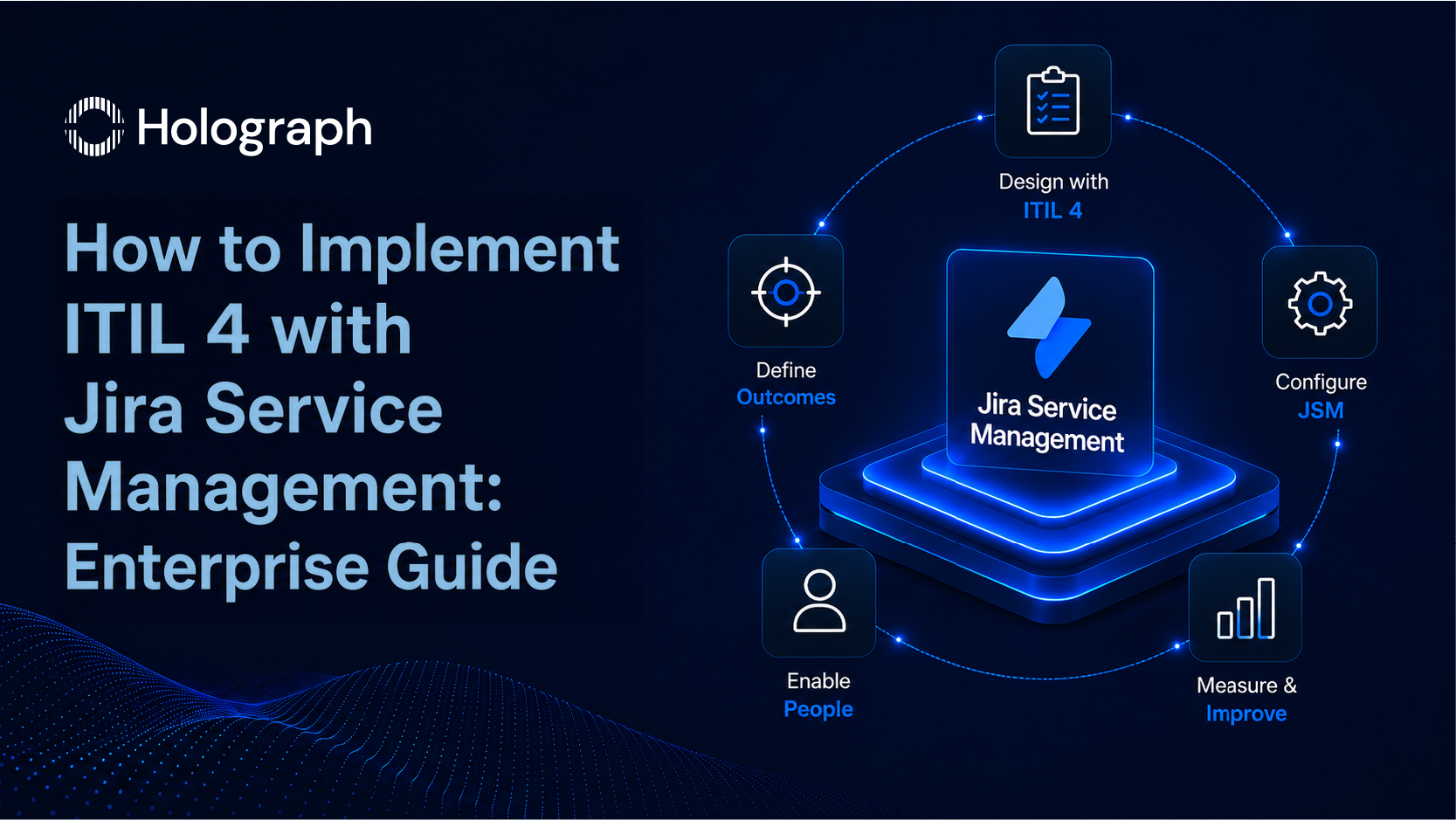
ITIL 4 provides the design framework that the platform configuration is supposed to execute. Getting that relationship in the right order is what determines whether a JSM deployment becomes a functioning ITSM capability or a sophisticated ticket system with structural problems underneath it: design first, configuration second. This guide covers the full implementation sequence. For the broader ITSM context and the four core practices, see the Enterprise ITSM guide.
What ITIL 4 Actually Means for Enterprise IT Teams
ITIL 4 vs ITIL v3: What Changed and Why It Matters
ITIL v3 organised service management around a lifecycle: five stages (Service Strategy, Service Design, Service Transition, Service Operation, Continual Service Improvement) with prescribed processes at each stage. The model was comprehensive. It was also sequential and documentation-heavy, designed for a world where IT operated as a slow-moving, predictable function. Most enterprise IT departments implemented the parts they found accessible and left the rest as reference material.
ITIL 4 replaced the lifecycle model with the Service Value System. The shift is conceptual but its implications for implementation are concrete. Where ITIL v3 asked organisations to follow a prescribed sequence of stages, ITIL 4 asks them to identify the business outcomes they are trying to produce, then select from 34 management practices the combination that delivers those outcomes. The process library grew from 26 processes to 34 practices. More importantly, those practices are now treated as a menu rather than a mandate.
The practical change for enterprise IT leaders is significant. ITIL 4 is built to work alongside Agile delivery, DevOps pipelines, and lean operational models. An IT department running two-week sprints alongside a change advisory board is not doing something contradictory. It is combining delivery approaches that ITIL 4 was explicitly designed to accommodate. That compatibility removes the tension between "following ITIL" and "working in a modern delivery environment" that made ITIL v3 difficult to apply consistently.
Where Jira Service Management Fits the ITIL 4 Model
Jira Service Management is an ITIL-aligned platform. Its architecture maps directly to the ITIL 4 practice areas that most enterprise programmes depend on: incident management, service request management, change management, and problem management are all native workflows in JSM, not extensions or third-party integrations.
The four practices operate as connected workflows in JSM's native data model. An incident links to the problem record that shares its root cause. A change request follows an approval chain before reaching the implementation stage. A service request routes to a fulfilment queue that is separate from incident triage. The connections ITIL 4 requires between practices are achievable in JSM's standard configuration.
What JSM does not do is configure itself to the ITIL 4 model. Every one of those capabilities sits dormant until activated through deliberate configuration decisions. That work starts before a single JSM project is created.
Phase 1: Service Design Before Platform Configuration
Map Your Service Catalogue First
A service catalogue is the agreed, documented list of services that IT delivers to the business. In ITIL 4 terms, it sits within the Service Value System as the mechanism connecting what IT produces to what the business requires. Before configuring a JSM project, queue, or request type, the service catalogue must exist and be agreed.
The catalogue has two layers. Business services are what the end user experiences: password reset, software access request, new device setup, onboarding tasks. Technical services are what IT operates to deliver those business services: Active Directory, VPN infrastructure, the software licence workflow. The JSM portal surfaces the business services layer. End users do not interact with the technical services layer. It exists for IT's operational management.
Configuring JSM before the service catalogue is defined is the most common ITSM implementation error. The result is a portal structured around IT's internal organisation rather than around how users think about their problems. Request types carry IT terminology. Portal categories reflect team structure. Users search for "printer not working," receive zero results, and send an email instead. The portal sits underused. The IT team continues handling the same direct request volume. Nothing changes except the ticketing system.
Defining the service catalogue takes three to four weeks for an enterprise IT department. It requires structured input from IT leadership and from the business units consuming IT services. A one-day workshop does not produce a catalogue that can serve as the basis for a platform configuration. It requires iteration.
Define SLA Tiers and Priority Logic
SLA configuration in JSM controls the resolution timers that govern how quickly the IT team must respond to and resolve each ticket. Those timers only produce meaningful data if they are built from agreed definitions of what constitutes a critical situation, a high-priority request, a routine service request, and everything in between.
ITIL 4 builds priority from two variables: impact (how many users or business processes are affected?) and urgency (how quickly does this need resolution before the impact compounds?). Both variables are defined in business terms, not IT terms. A Tier 1 critical incident affects a revenue-generating system or a compliance-critical process during business hours. A Tier 4 standard request affects one user with a non-time-sensitive query.
A four-tier SLA structure works for most enterprise IT departments:
- Critical: 1-hour resolution target, 24/7 clock
- High: 4-hour resolution target, business hours
- Medium: 8-hour resolution target, business hours
- Standard: 24-hour resolution target, business hours
The targets need to reflect what the IT team can operationally deliver, not what sounds aspirational. If 40% of incidents at a given tier breach their SLA in the first quarter, the target is miscalibrated. Where baseline data exists, use it to set the starting targets. Where it does not, collect data for the first 30 days and adjust at the 30-day mark.
Phase 2: Configuring Jira Service Management for ITIL 4 Alignment
Setting Up Request Types and Workflows
Each ITIL 4 practice area needs a separate workflow in JSM. Incidents and service requests share a platform but must not share a queue. The operational reason is straightforward: incidents require urgent triage and escalation logic; service requests follow a predictable fulfilment path with no escalation requirement. When they share a queue, agents self-select the simpler requests, SLA data blends incompatible resolution types into a single average, and the IT team loses visibility into whether performance problems come from incident complexity or routine request volume.
Change management in JSM supports native approval workflows. A change request can be configured to require sign-off from a designated change advisory board member before moving to the implementation stage. This is the mechanism that prevents undocumented changes from reaching production environments: an approval gate before the change proceeds, not documentation recorded after the fact. For enterprises in regulated industries, this is the audit trail that compliance frameworks require.
Problem management uses JSM's native Problem issue type. Problem records link to the related incidents that share a root cause. When the IT team investigates a recurring network connectivity issue, the problem record holds the root cause analysis, the known error documentation, and the agreed workaround. Subsequent incidents of the same type link to the existing problem record rather than triggering a new investigation. This is how problem management prevents the same root cause analysis from being run repeatedly on the same underlying issue.
Building the Self-Service Portal
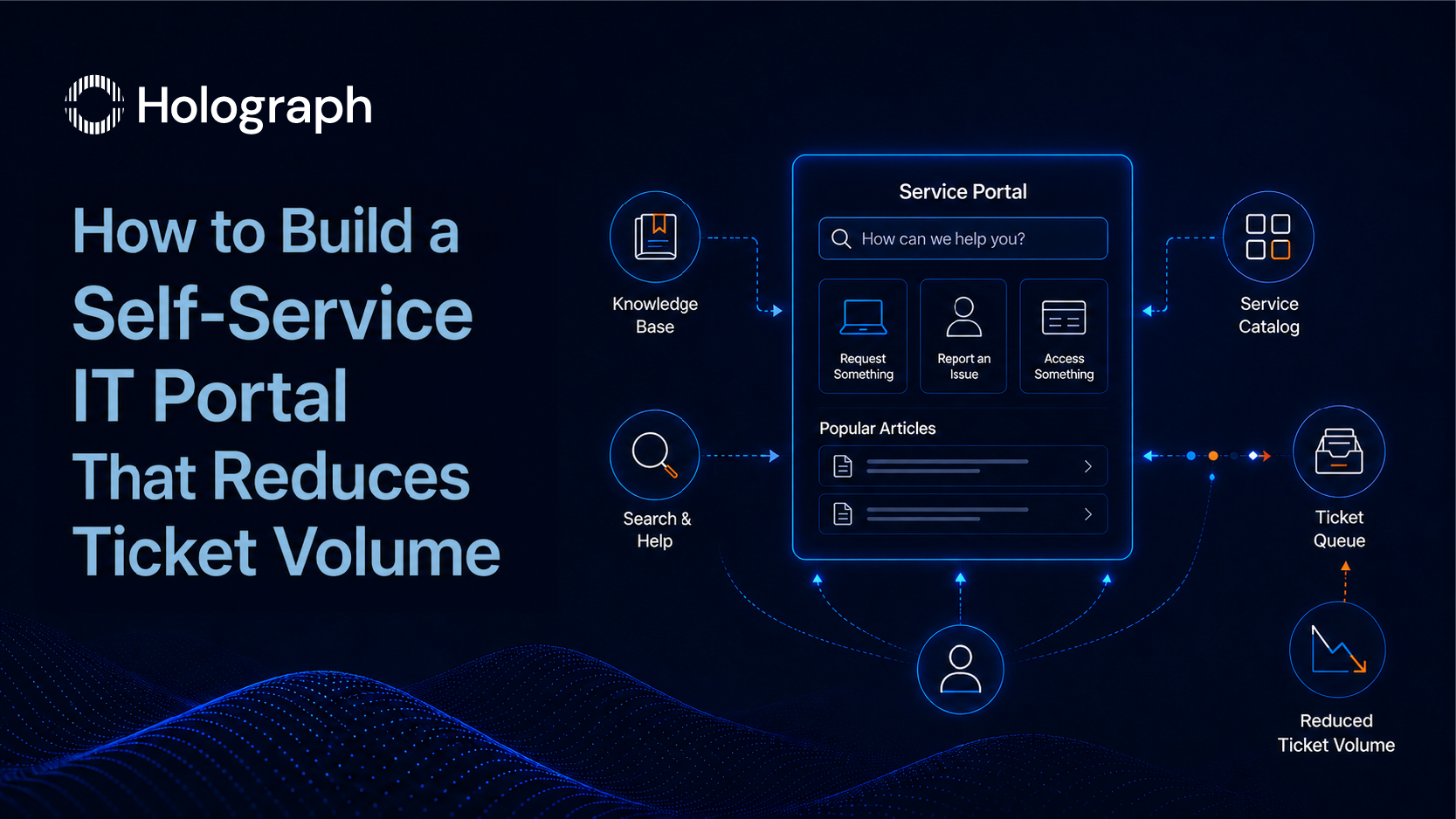
The self-service portal is the business services layer of the service catalogue made navigable. JSM's portal renders the request types as a searchable interface. When a user types a query into the portal search, relevant Confluence knowledge base articles appear before the request form. If the user finds a resolution in the article, the ticket is never submitted. That is the deflection mechanism.
For deflection to work, two things must be in place before the portal goes live: a Confluence space linked to the JSM portal, and knowledge base articles written before go-live rather than after. A portal without pre-populated knowledge base content is a form collection, not a self-service capability. For the full portal build process, including Confluence architecture and deflection measurement, see How to Build a Self-Service IT Portal That Reduces Ticket Volume.
Automation Rules That Reduce Manual Overhead
JSM's automation engine handles routine logic that would otherwise require manual agent intervention. Three automation rules deliver the most operational return in the first 90 days of a JSM deployment.
Auto-assignment by request type removes the general queue as a routing layer. When a ticket arrives, an automation rule matches the request type to the team or individual who owns it and assigns directly. Agents no longer self-select from an undifferentiated pool. Tickets no longer sit unassigned while agents decide whether to take them.
SLA breach alerts with correct recipient logic ensure the right person is notified before a breach occurs. The rule: at 75% of the SLA window, notify the assigned agent and their team lead. At 90%, reassign to the team lead directly. This removes the reliance on agents flagging their own delays, a behaviour that does not happen consistently under volume pressure.
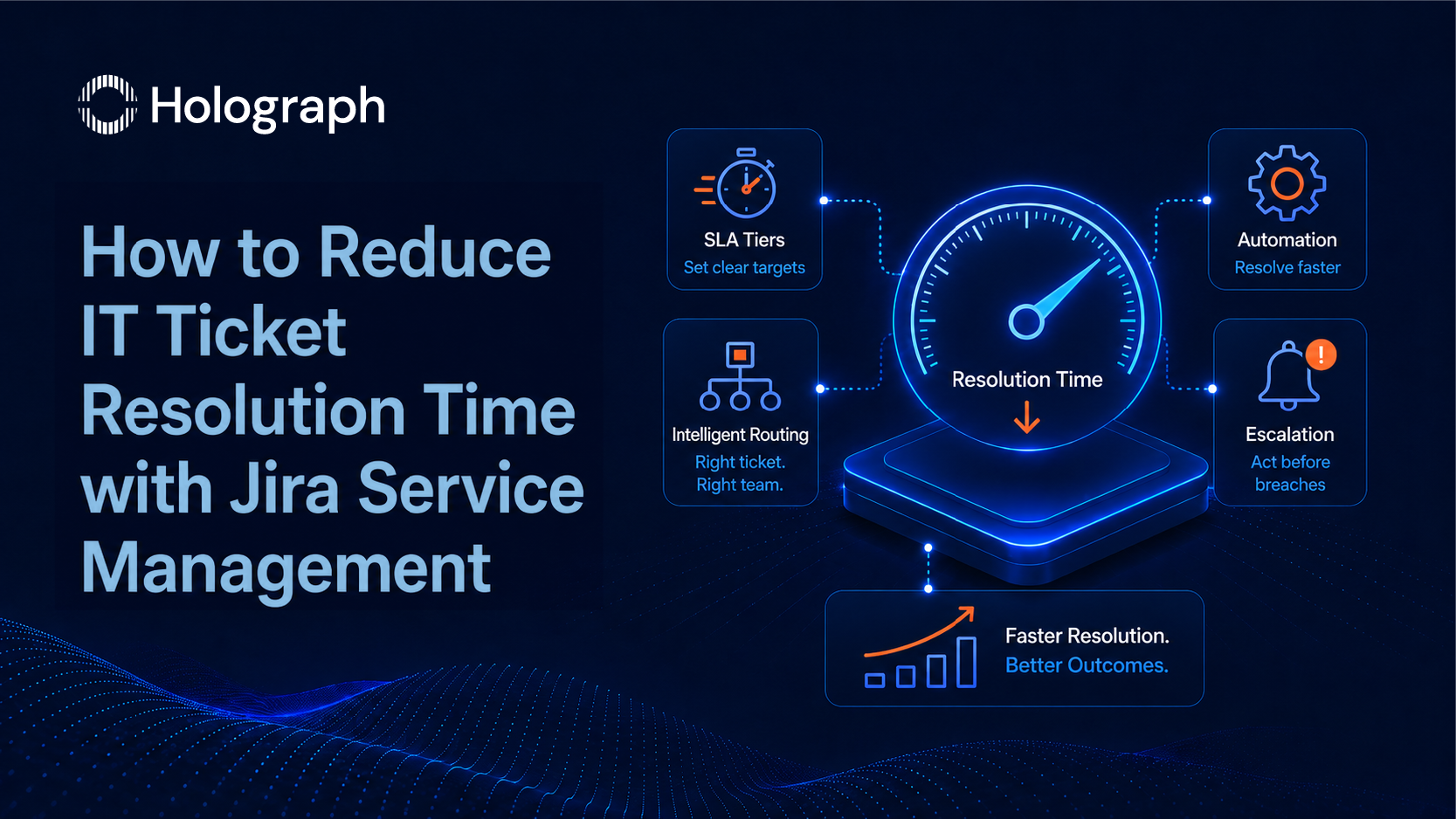
Auto-resolution for known issues uses Confluence article links as a first-response mechanism. When a ticket matches a known issue type with a documented fix, JSM posts the relevant Confluence article in the ticket comment and moves the status to In Progress. The agent still resolves the ticket; the automation reduces the time before the user has a potential fix to try. For the complete automation rule set and resolution time metrics, see How to Reduce IT Ticket Resolution Time with Jira Service Management. For AI-assisted resolution capabilities in Jira, see also Rovo Agents for ITSM.
Phase 3: Adoption Is the Real Implementation
The Deployment-to-Adoption Gap
The platform goes live. The IT team uses it for routing and triage. Business users continue emailing IT directly because the portal requires three more steps than sending an email, the categories use terminology they do not recognise, and the knowledge base articles they need do not exist yet. Six months in, portal usage is a fraction of the IT team's expectations. The self-service deflection rate is close to zero.
This is the deployment-to-adoption gap. It is the most predictable failure in enterprise ITSM programmes, and it is almost entirely caused by treating go-live as the endpoint rather than the starting point.
Closing the gap requires two parallel workstreams after go-live. The first is structured onboarding for the IT team: establishing the queue management behaviours, escalation habits, and triage disciplines the new system requires. A one-day platform training does not change working habits formed over years on a previous system. A 12-week structured programme, with weekly metrics review and targeted coaching on queue management and escalation behaviour, does.
The second workstream is communication to business users by department and request type. A general announcement that the portal now exists produces minimal behaviour change. Targeted communication to the finance team about how to raise procurement requests, and to the sales team about how to raise access requests, produces the specific behaviour change that is needed request type by request type.
Metrics to Track in the First 90 Days
Four metrics determine whether the ITIL 4 implementation is producing results. Establish baselines for all four in week one.
Average resolution time by priority tier: tracked per tier separately. If the overall average is improving but Critical and High tier times are static, the routing and escalation logic needs attention, not the overall metric.
SLA breach rate by request category: which categories produce the most breaches? These are the routing or prioritisation problems in data form. Address the highest-breach category first: it has the most resolution time to recover.
Self-service portal deflection rate: portal sessions that viewed a Confluence article and did not submit a ticket, as a percentage of total portal sessions. A well-configured portal reaches 20 to 35% deflection in the first 90 days.
Repeat ticket rate: tickets reopened or re-submitted for the same issue within 14 days. A high repeat rate indicates problem management is not addressing root causes. Each repeat ticket should link to a problem record.
When to Bring in an Atlassian ITSM Partner
Several conditions indicate that specialist external support will produce a better outcome than an internal team working alone on a JSM implementation.
The service design phase has stalled because the IT team does not have the process design experience to build a service catalogue from first principles. Strong JSM platform knowledge does not translate into knowing how to define SLA tiers in business terms or how to separate incident from service request workflows at the design stage. These are distinct skill sets, and the absence of one typically does not become visible until the configuration is already live.
The implementation is live but adoption is not following. Post-go-live diagnostic work (identifying where the deployment-to-adoption gap is widest and which configuration or process decisions created it) is different from the initial build work. It requires familiarity with what goes wrong, not only with how to build it correctly the first time.
The organisation operates in a regulated industry or geography with specific requirements around data ownership, audit trails, or ITSM compliance. Government, financial services, and insurance enterprises in the Gulf region have requirements that shape both the platform architecture and the process design decisions.
Holograph holds Atlassian Solution Partner status with a certified ITSM specialisation. The team delivers enterprise-scale ITSM implementations across the USA, UAE, KSA, and India, covering service catalogue design, ITIL 4 practice alignment, JSM configuration, Confluence knowledge base architecture, and structured post-go-live adoption programmes across 170+ enterprise engagements.
The Sequence Is the Strategy
ITIL 4 implementation with Jira Service Management produces a working ITSM environment when the three phases run in order: service catalogue design before platform configuration, platform configuration before go-live, structured adoption programme from go-live through 90 days. Each phase depends on decisions made in the previous one. A catalogue without agreed SLA tiers cannot produce a coherent JSM configuration. A configured system without an adoption programme produces a platform the business does not use.
The complete ITSM framework that governs this approach is in the Enterprise ITSM guide. The platform executes the design correctly when the design is right first.
Holograph's ITSM team designs and implements Jira Service Management environments, from service catalogue design through to post-go-live adoption programmes. See Holograph ITSM services or read the ZATCA case study to see this implemented in an enterprise environment.
Frequently Asked Questions
What is ITIL 4 and how does it differ from ITIL v3?
ITIL 4 replaced the lifecycle-based ITIL v3 model with a Service Value System centred on outcomes and value creation rather than compliance with a defined process sequence. Where ITIL v3 prescribed a fixed set of stages and processes, ITIL 4 defines 34 management practices that organisations select based on the business outcomes they are trying to achieve. The practical result is a framework that works alongside Agile and DevOps delivery models rather than competing with them.
How do you implement ITIL 4 with Jira Service Management?
ITIL 4 implementation with Jira Service Management runs in three phases. First, design the service catalogue: define business services versus technical services, agree SLA tiers based on business impact and urgency, and map request types before opening the platform. Second, configure JSM to reflect that catalogue design, with separate workflows for incidents, service requests, and change management, and a Confluence knowledge base populated before go-live. Third, run a structured adoption programme for the first 90 days after launch.
What are ITSM implementation best practices for enterprise organisations?
The four practices that determine enterprise ITSM programme performance are incident management (priority matrix built from business impact and urgency), service request management (dedicated catalogue and queue, separated from incidents), change management (approval workflows integrated into the platform the team uses daily), and problem management (structured root cause review cadence, not just incident closure). Designing these four practices before configuring the platform is the foundation. Platform configuration follows the design.
How do you set up SLAs in Jira Service Management?
SLA configuration in JSM requires two decisions in the correct order: a priority matrix agreed with the business, then the corresponding JSM timer configuration. The priority matrix defines four tiers (Critical, High, Medium, Standard) based on business impact and urgency. Each tier gets a resolution time target built from what the IT team can operationally achieve, not from what sounds aspirational. Critical incidents typically run on a 24/7 timer; standard requests run on business hours.
What is the difference between a service catalogue and a service portfolio?
A service catalogue lists the services IT currently delivers to the business. Every entry is active, with a delivery owner, a fulfilment process, and agreed service levels. A service portfolio is broader: it includes the catalogue (active services), a pipeline (services in development), and retired services. For ITSM configuration in Jira Service Management, the service catalogue is the relevant document. The portal surfaces the catalogue to business users, not the full portfolio.
How long does a Jira Service Management ITSM implementation take?
A structured JSM ITSM implementation runs across three phases: service design (three to four weeks), platform configuration (four to six weeks depending on scope), and adoption (a 90-day structured programme after go-live). The total timeline for a mid-to-large enterprise is four to six months from the first service catalogue session to a measurably functioning ITSM environment. Organisations that skip the service design phase and move directly to platform configuration typically require remediation within 18 months.