How to Reduce GitLab Licensing Costs: An Enterprise Audit Playbook
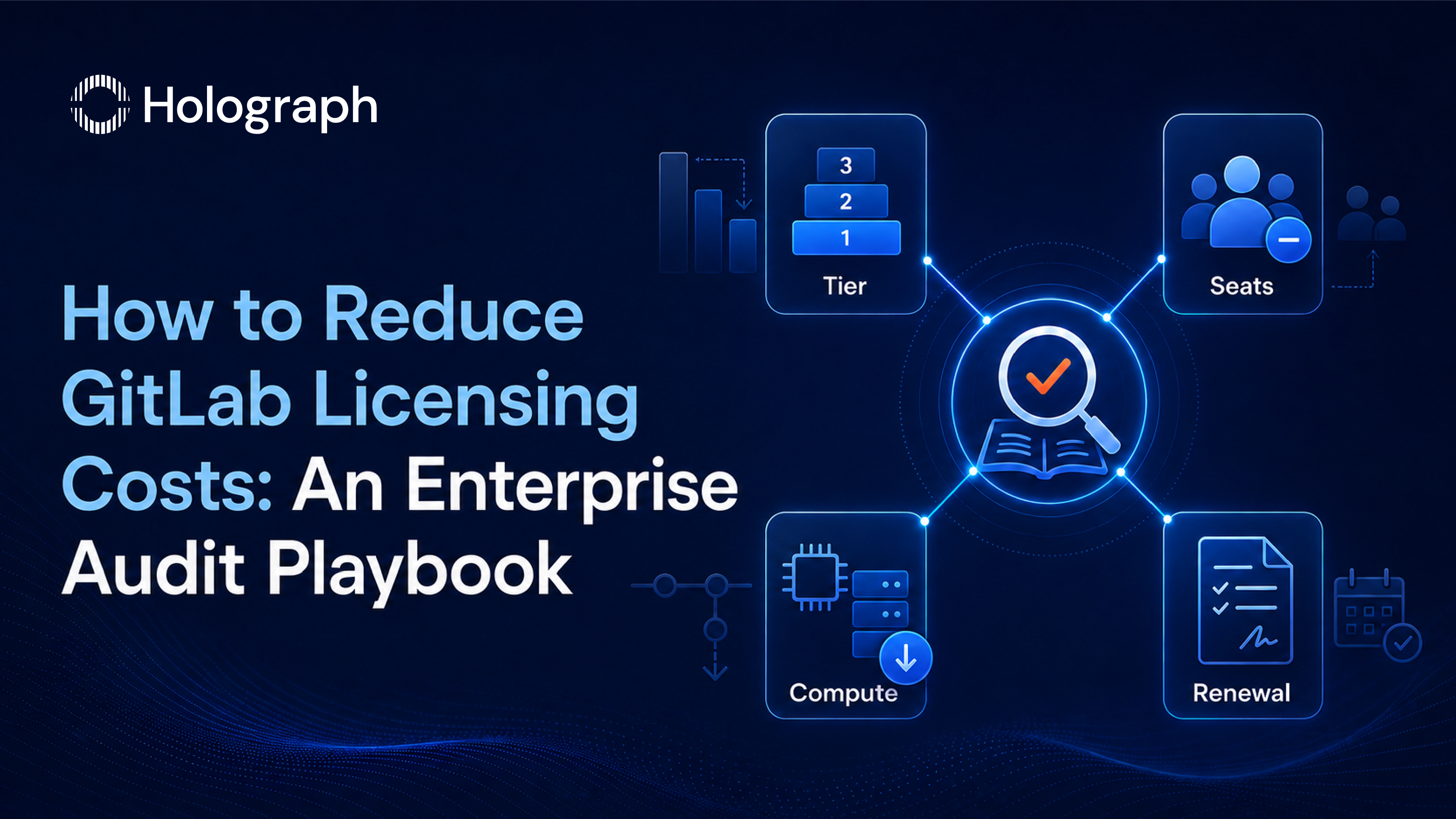
GitLab licensing waste in enterprise environments follows a predictable pattern. Seats accumulate because the deprovisioning process lags behind employee turnover. The tier was selected at initial procurement and reviewed only when someone noticed the cost. Compute minutes generate overages because CI/CD pipelines were configured for an earlier scale and never optimised. Renewals process on the path of least resistance because the team responsible for the renewal did not prepare a position before the contract arrived.
Each of these is a process gap, not a vendor problem. The data needed to close the gap is available in the GitLab Admin Area. The analysis takes a matter of hours. The output is a documented position that changes what happens at the next renewal conversation.
This post covers the four sources of GitLab licensing waste and the audit process that addresses each one. For the full licensing model context, see the Enterprise GitLab Licensing guide.
The Four Sources of GitLab Licensing Waste
Wrong Tier
The most common source of GitLab licensing overrun: paying Ultimate prices for Premium-level usage. The tier upgrade to Ultimate was justified at the time — a security audit required native scanning, a compliance review flagged the need for licence compliance checking, or the procurement team defaulted to the most comprehensive option available.
Over time, the environment changed but the tier did not. The security scanning suite was configured and feeds a dashboard that is reviewed infrequently. The compliance frameworks were never set up. Value stream analytics was explored once and not revisited. The organisation is paying for a set of features that it is not using operationally.
Alternatively: the tier is correct, Ultimate features are in active use, but a separate security scanning tool was purchased afterwards, creating a partial overlap. The enterprise is now paying for security scanning twice from two vendors, with neither providing complete coverage.
Both situations waste money. Both are identifiable through a tier feature utilisation review. The decision framework for the right tier is covered in GitLab Premium vs Ultimate.
Seat Waste
GitLab licences every active user in a group or top-level namespace. When a user leaves the organisation or changes roles, their GitLab account remains active unless someone removes it. In most enterprises, the user provisioning process is connected to HR onboarding workflows. The deprovisioning process is not.
The consequence: a GitLab environment that has been running for three or more years without structured deprovisioning typically carries inactive users from natural attrition employees who have left, contractors whose engagement ended, or team members who moved to projects that no longer use GitLab.
At Ultimate pricing, each inactive seat carries a significant annual cost. A mature enterprise GitLab deployment running 500 licensed users without a deprovisioning process may carry 50 to 150 inactive seats. The annual cost of those inactive seats is material.
Compute Overuse
For enterprises on GitLab.com (SaaS), CI/CD pipeline execution consumes compute minutes from the tier's included allocation. Usage above that allocation generates overage charges billed at the per-minute rate.
The most common driver of compute overuse: pipelines configured to run the full job set on every commit to every branch. A developer feature branch sees 20 commits before it is ready for review. If the full pipeline, including SAST scanning, dependency scanning, container building, and integration tests, runs on every one of those commits, the compute consumption is 20 times what it would be if the same pipeline ran only when the code was ready for review.
Rules-based pipeline execution addresses this. Limiting security scans, container builds, and integration tests to merge request targets rather than all branch commits reduces compute consumption significantly without changing the security posture of the main branch. Reductions of 30 to 50 percent in compute consumption are achievable without reducing the quality of security coverage.
Self-managed deployments use the enterprise's own infrastructure for compute, so the SaaS overage model does not apply. However, runner infrastructure costs exist in self-managed environments and carry their own optimisation logic, covered in GitLab Self-Managed vs SaaS.
Passive Renewal
The annual GitLab renewal cycle: the legal or procurement team receives a renewal notice. They confirm the seat count, typically by checking the number of active users in the Admin Area without filtering for recently inactive users. They process the renewal at the existing rate and tier.
No usage analysis informed the seat count. No tier review identified whether the current features justify the current spend. No renegotiation position was prepared. The enterprise accepted last year's terms for another 12 months.
GitLab account teams are experienced at processing renewals on existing terms. They are also responsive to customers who bring data to the conversation. The renewal is the primary commercial leverage point: once the contract is signed, the rate and terms apply for the full year. The preparation happens before the conversation, not during it.
Step 1: Pull GitLab Usage Data
The audit starts in the GitLab Admin Area. Access requires admin-level permissions.
User activity data. Navigate to Admin Area and access the user list. The list shows each user's last sign-in date and last activity date. Export this as a CSV. Filter for users with no activity in the past 90 days.
The 90-day threshold is a starting point. Some enterprises use 60 days for environments with frequent commit activity; others use 120 days for teams with longer project cycles. The relevant criterion is not the last login but the last activity: the last commit, comment, review, or issue update.
Project activity data. The project list shows recent commit activity. Projects with no commits in the past 90 days may have active users who are using GitLab primarily for issue tracking rather than code commits. These users are not inactive, but their usage pattern may indicate they could be served by a lower-access role.
CI/CD consumption data. The Admin Area shows pipeline minute consumption by group and project for SaaS deployments. Identify the top five projects by compute consumption. Review their pipeline configuration to understand whether consumption matches what the pipeline architecture justifies.
Step 2: Audit Tier Feature Utilisation
For enterprises on GitLab Ultimate, the tier feature utilisation review covers four areas:
Security Dashboard activity. Navigate to the Security Dashboard at the group or top-level namespace level. Are vulnerability findings being reviewed? Are they being assigned to team members for remediation? Are findings being marked as resolved over time, or does the backlog only grow? A Security Dashboard with no triage history indicates the security scanning output is not connected to an active remediation workflow.
Compliance framework configuration. Navigate to the Compliance report. Are compliance frameworks defined and applied to projects? If no frameworks are configured, the compliance management feature is unused.
Licence compliance scanning. Has the licence compliance scanner been configured for projects containing open-source dependencies? Check whether licence compliance findings are present and being reviewed by legal or compliance.
Value stream analytics. Check whether value stream analytics has been configured and whether it is reviewed on any regular cadence. If the Value Stream stage is empty or has only the default configuration, it is not in active use.
If all four areas show no active usage, the audit supports a tier change request from Ultimate to Premium. Document the findings with screenshots or exported data: this becomes the basis of the renewal conversation.
Step 3: Conduct the Seat Review
From the user activity export in Step 1, produce a candidate list for deprovisioning. For each user with no activity in the past 90 days:
- Cross-reference against HR records to confirm current employment status. Users who have left the organisation should be deprovisioned immediately; their continued access is a security concern as well as a cost one.
- For users still employed, confirm with their manager whether their role requires GitLab access.
- For users whose access is confirmed as still needed, no action is required.
Document the confirmed inactive user list with names, last activity dates, and employment status confirmation. This list is the basis of the seat count reduction at renewal. The deprovisioning itself is a GitLab Admin Area action: blocking or deleting the user account removes them from the licensed seat count at the next renewal true-up.
Step 4: Review Compute Consumption and Pipeline Configuration
For the top compute-consuming projects identified in Step 1, review the .gitlab-ci.yml configuration. The key question: are expensive pipeline jobs (security scans, container builds, integration tests) running on every pipeline trigger, or only on merge requests and main branch commits?
The most effective single configuration change: add a rules or only/except directive to expensive pipeline stages that limits them to merge request pipelines. Security scanning jobs execute only on merge requests and the default branch; unit tests run on all branches; build and deployment stages run on protected branches only.
This change does not reduce security coverage on the main branch or on merge requests. It reduces the compute consumption from feature branch commits that are not yet ready for review.
Document the projected compute reduction as part of the renewal preparation. If overages are a component of the current billing, a documented pipeline optimisation plan strengthens the renewal conversation.
Step 5: Prepare the Renewal Position
The audit produces four inputs for the renewal conversation:
- Revised seat count: licensed seat total minus confirmed inactive users, supported by the user activity export and HR confirmation.
- Tier recommendation: either a confirmation that the current tier is justified with documented feature usage, or a tier change request from Ultimate to Premium supported by the feature utilisation analysis.
- Compute optimisation plan: for enterprises with overages, a documented pipeline configuration change plan with a projected reduction in compute consumption.
- Renewal position document: a one-page summary combining the above, presented to the GitLab account team before the renewal date.
GitLab account teams have authority to negotiate within parameters. Seat count reductions and tier changes are standard renewal adjustments. Multi-year pricing is available for enterprises with stable seat counts who want to lock in rates. The account team responds to data and specificity; a general request to reduce costs without supporting analysis rarely produces a different outcome.
For context on how this approach applies across multiple OEM licensing contracts simultaneously, see the enterprise guide to multi-vendor license audit preparation.
Holograph's GitLab Licensing Audit
Holograph conducts GitLab licensing audits as part of a multi-OEM cost optimisation programme. The engagement delivers the same four outputs described in this post: a documented seat count reduction, a tier fit assessment, compute optimisation recommendations, and a prepared renewal position.
The methodology applies the same approach that delivered a 35% reduction in Atlassian licensing spend for ZATCA and a 34.5% reduction in monthly AWS costs for Better Place. The platforms differ; the audit logic is consistent: usage data, feature utilisation, and a data-backed renewal position.
For the licensing model overview, see the Enterprise GitLab Licensing guide. For the tier decision framework, see GitLab Premium vs Ultimate. For the deployment model cost comparison, see GitLab Self-Managed vs SaaS.
The Renewal Is a Prepared Conversation
GitLab licensing costs reduce through a repeatable audit process. User activity data identifies seat waste. Feature utilisation review validates the tier. Compute consumption analysis identifies pipeline optimisation opportunities. A documented renewal position turns the analysis into a lower contract value at the next annual cycle.
The data is in the Admin Area. The analysis takes hours, not weeks. The output is a renewal position that changes what the account team responds to. Enterprises that prepare this analysis before their renewal date negotiate from a documented position. Enterprises that do not prepare it renew at last year's terms.
Holograph audits GitLab licensing environments and prepares renewal positions as part of a multi-OEM cost optimisation programme. See licensing management services.
Frequently Asked Questions
How do you reduce GitLab licensing costs in enterprise?
Four levers reduce GitLab licensing costs: conducting a user activity audit to identify inactive seats for deprovisioning; reviewing tier feature utilisation to assess whether Ultimate features are operationally used or whether Premium is the correct tier; optimising CI/CD pipeline execution rules to reduce compute minute overages; and preparing a documented usage analysis before the annual renewal to support a data-backed seat count or tier renegotiation. All required data is available in the GitLab Admin Area.
How do you audit GitLab seat usage to eliminate waste?
Export the user list from the GitLab Admin Area. Filter by last activity date; users with no activity in 90 or more days are candidates for deprovisioning. Cross-reference each candidate against HR records to confirm employment status and current role requirements. Deprovision confirmed inactive users before the renewal date. Document the confirmed inactive user count with last activity dates as the basis for a seat count reduction at renewal.
What is GitLab compute minutes and how do you reduce overage charges?
GitLab.com SaaS deployments include a monthly allocation of CI/CD pipeline compute minutes per tier. Usage above the allocation generates overage charges. Overages are most commonly driven by pipelines running expensive jobs on every branch commit rather than only on merge request targets. Adding rules-based execution that limits full pipeline runs to merge requests and the default branch reduces compute consumption by 30 to 50 percent without reducing security coverage on reviewed code.
How do you negotiate a GitLab license renewal?
Prepare a renewal position document before the renewal conversation: a revised seat count based on user activity data, a tier recommendation supported by feature utilisation analysis, and a compute optimisation plan if overages are part of the current spend. Present this to the GitLab account team before the renewal date. Account teams have negotiation authority within parameters and respond to data-backed requests. Unsubstantiated discount requests without supporting analysis rarely produce a different result.
How do you check if you need GitLab Ultimate or if Premium is enough?
Review four feature areas in GitLab Ultimate: Security Dashboard triage activity, compliance framework configuration, licence compliance scanning results, and value stream analytics configuration and usage. If none of these features show active operational use, Premium is likely the correct tier. If the security scanning suite is producing results that are actively triaged and remediated inside GitLab, or if compliance frameworks are configured and applied, Ultimate is justified.
What data do you need to renegotiate a GitLab enterprise contract?
Three data sets support a GitLab renewal renegotiation: a user activity export showing active vs inactive users with last activity dates and HR confirmation of employment status; a tier feature utilisation analysis covering Security Dashboard activity, compliance framework configuration, and value stream analytics usage; and a CI/CD compute consumption analysis with a pipeline optimisation plan if overages are part of the current spend. Taken together, these support a specific seat count, tier, and consumption rate request at renewal.
How to Reduce GitLab Licensing Costs: An Enterprise Audit Playbook