CI/CD Pipeline Implementation: From Manual Releases to Automated Delivery
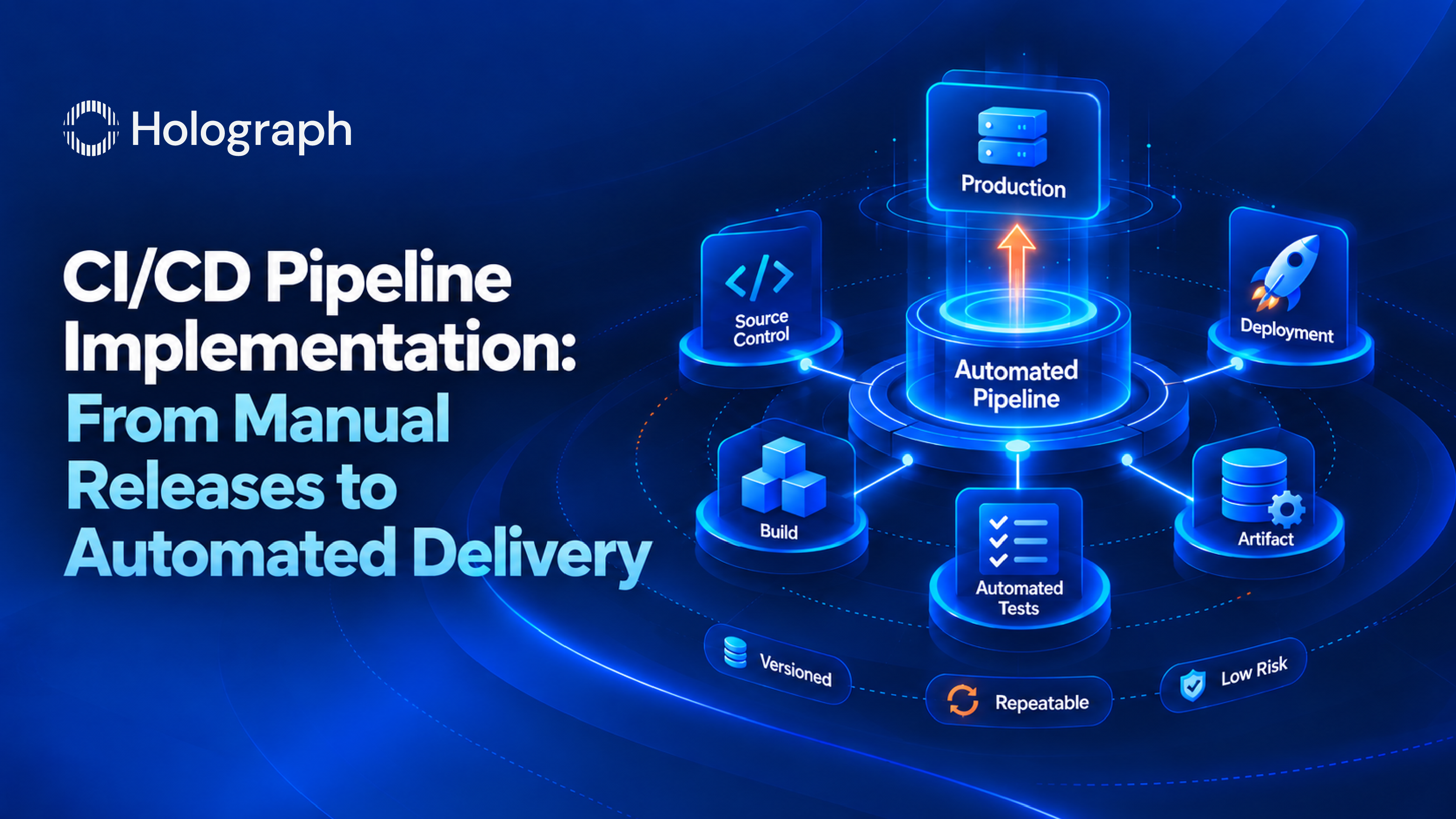
A continuous integration and continuous delivery pipeline is the automation that takes code from a developer's commit to a running production system without anyone running steps by hand. It is the core of DevOps performance, and it is where most delivery improvements start, because a manual release process caps how fast and how safely a team can ship no matter how good the engineers are.
Many enterprises already believe they have CI/CD. They have a build server, a repository, and a deployment script. What they usually do not have is a pipeline: an automated chain where a commit triggers a build, the build runs the tests, the tested artifact is versioned and stored, and the deployment happens the same way every time. The distance between a build server and a real pipeline is where releases still take a weekend. Here is what implementing one actually involves.
What a CI/CD pipeline is made of
A working pipeline has five parts, and skipping any of them is what leaves teams with automation that only half works.
The first is source control and a branching strategy: a clear model for how code moves from a feature branch to the mainline, so the pipeline has a defined trigger and merges do not become a negotiation. The second is the automated build, which compiles and packages the application on every change rather than on an engineer's machine when they remember. The third is automated testing, run as part of the build so a change that breaks something is caught in minutes rather than in production. The fourth is artifact management: the tested build is versioned and stored once, so the exact thing that passed the tests is the exact thing that deploys, rather than a fresh build made at deploy time. The fifth is staged deployment, which promotes that artifact through environments, from a test environment to production, with the same automated steps each time.
When all five are in place, a release stops being an event. It becomes a process the pipeline runs, and the team's job shifts from performing deployments to improving the pipeline that performs them.
Building it in GitLab CI/CD
As a GitLab Solution Partner, we implement pipelines natively in GitLab CI/CD, which keeps the pipeline definition in the same repository as the code it builds. The pipeline is described as configuration that lives with the application, so the pipeline is versioned, reviewed, and changed the same way the code is, and there is no separate build server whose settings drift out of sight.
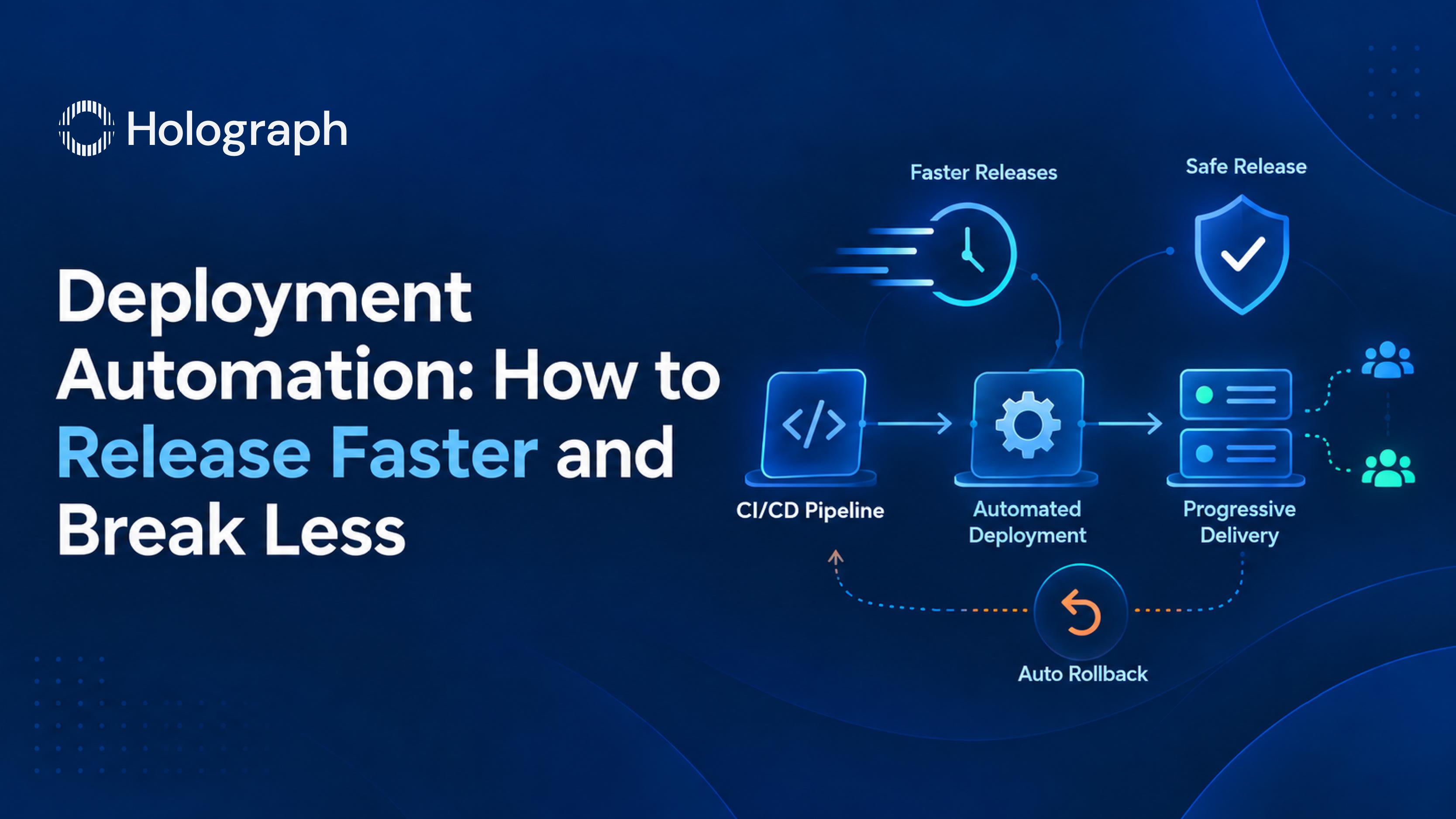
Around that core we implement the container tooling most enterprise pipelines need: Docker to package the application into a consistent image, and Kubernetes to run it where the workload calls for orchestration. The image built once in the pipeline is the image that runs in every environment, which removes the classic failure where code works in test and breaks in production because the environments were not identical. For teams that need it, the same pipeline carries the staged rollout and automated rollback controls that make frequent deployment safe, which is the deployment-automation half of the work.
Why enterprise pipelines underperform
The common failure modes are consistent across large estates. Tests exist but are not wired into the pipeline, so they are run manually and skipped under deadline. Each repository has its own hand-built pipeline, so quality depends on which engineer set it up and no improvement carries across teams. There is no artifact management, so a different build is produced at deploy time than the one that was tested. And a manual approval or a manual deployment step sits in the middle, so the pipeline stops and waits for a person, which reintroduces the delay automation was meant to remove.
None of these require new tools to fix. They require the pipeline to be designed as a whole rather than assembled piece by piece, and standardized so that one good pipeline becomes the template every repository inherits.
How we implement it
We start by auditing the current build and release process and establishing a baseline for how long a commit takes to reach production today. From there we design the pipeline: the branching model, the build and test stages, artifact management, and the deployment stages, chosen to fit the estate rather than imposed as a template. We implement it first on a single pilot service and prove it with a real deployment, so the team sees the pipeline work end to end before it is rolled out. Then we standardize it into reusable pipeline templates so additional services inherit the same automation, and the engineering team takes ownership of extending it.
What it changes
For Solarman Engineering Projects, a New Delhi engineering firm, we rebuilt the delivery pipeline on GitLab, Docker, and Kubernetes. Deployment time dropped from six to eight hours to under 30 minutes, a 90% reduction, and release frequency increased threefold, while the change failure rate held below 5%. The pipeline was doing work the team had been doing by hand, which returned an estimated 120 to 150 engineering hours a month. The tools were largely already in place. Implementing the pipeline properly is what turned them into automated delivery.
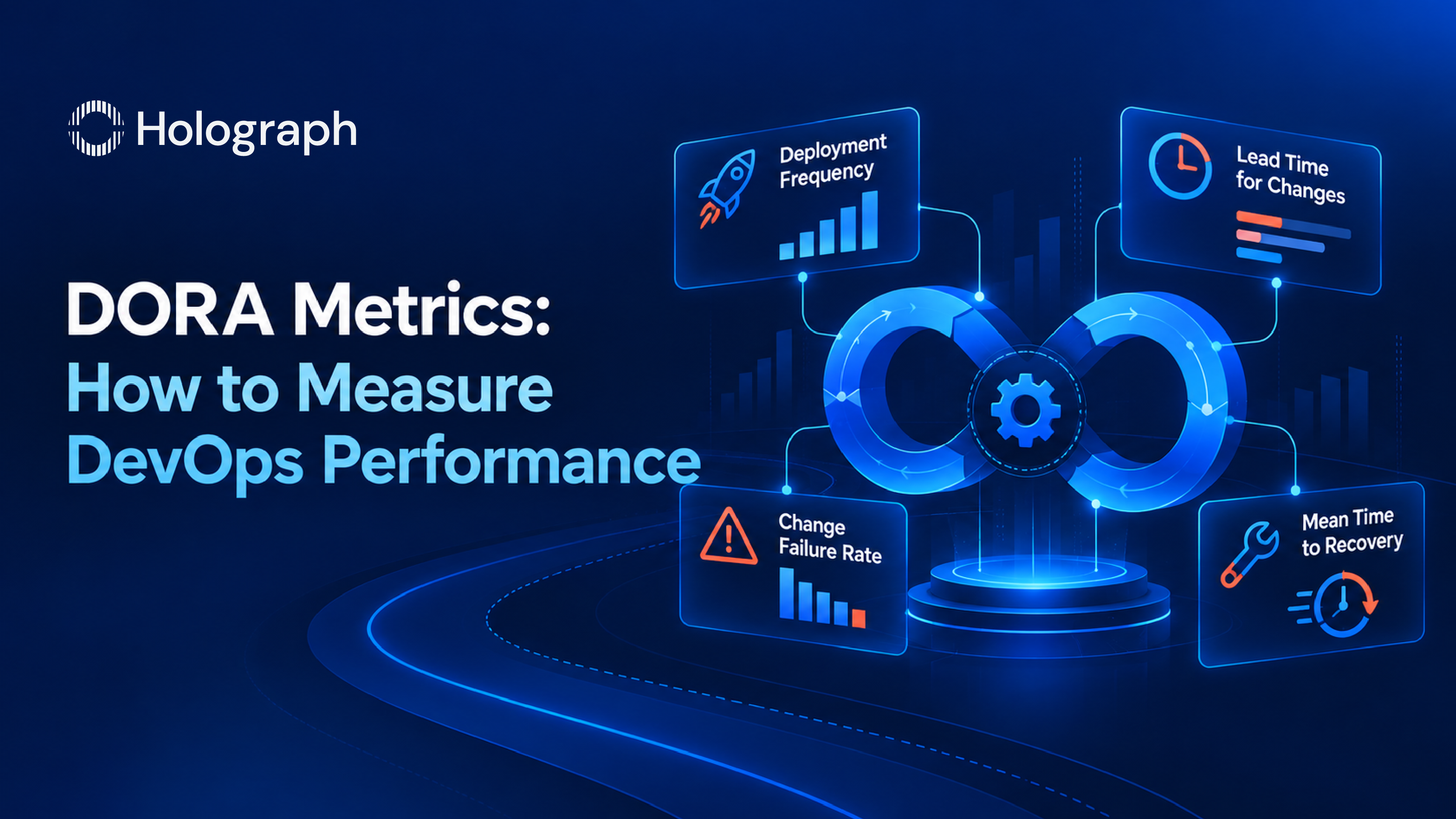
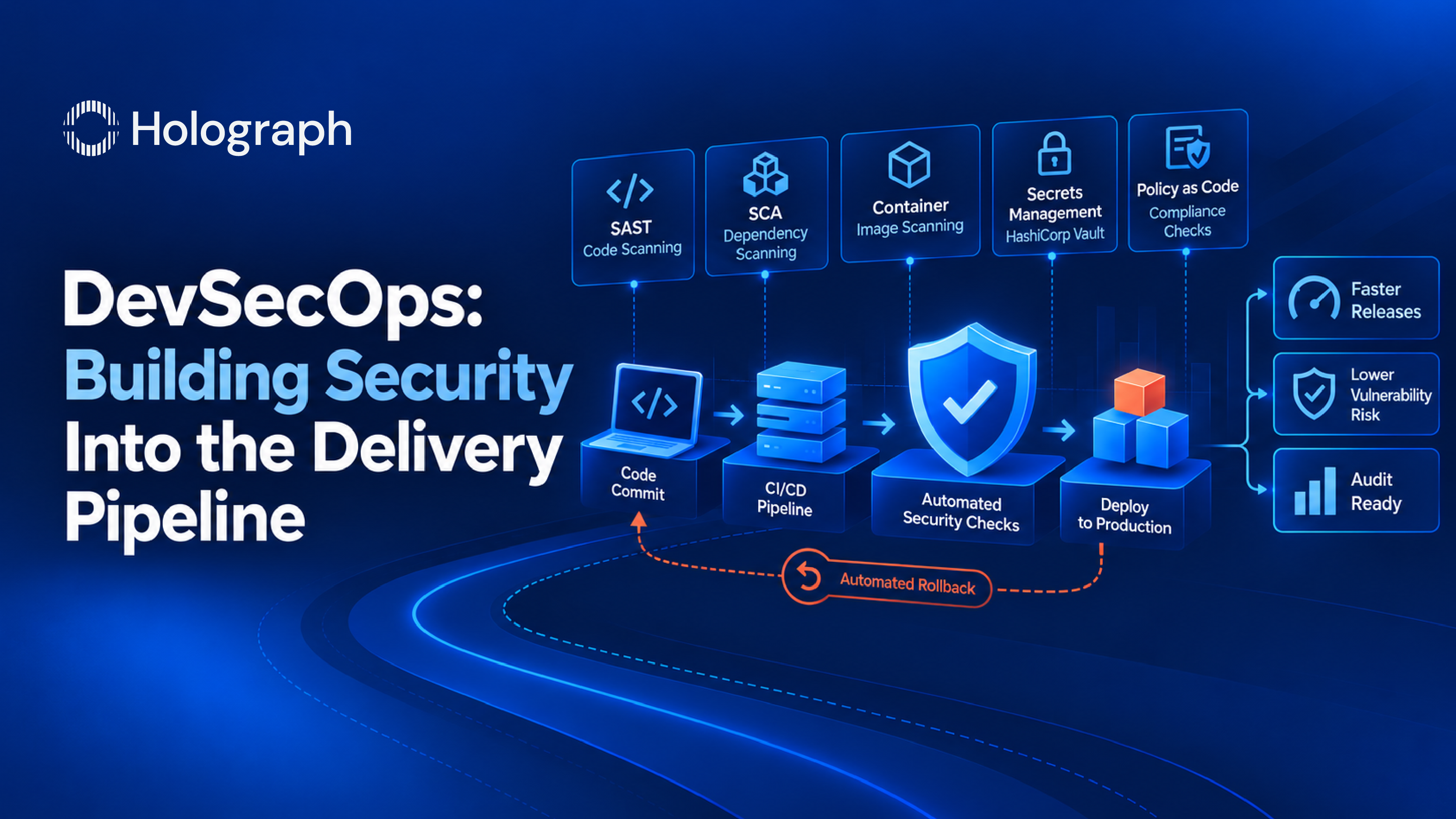
This is the first capability in a DevOps engagement and the foundation the rest builds on. Deployment automation, security in the pipeline, and delivery measurement all attach to the pipeline once it exists, which is why we cover the full picture in our guide to enterprise DevOps services.
Ready to automate your delivery?
If your releases still depend on manual steps and a specific person being available, a CI/CD pipeline is the fix, and it is usually the highest-return place to start. We begin with an assessment of your current build and release process and the pipeline design that will replace it. Reach out to talk through where your delivery is today.
Frequently asked questions
What is a CI/CD pipeline?
A CI/CD pipeline is the automation that moves code from a developer's commit to production without manual steps. It builds the application on every change, runs the tests automatically, versions and stores the tested artifact, and deploys it through environments the same way each time. The result is faster, more repeatable releases with less risk.
What is the difference between continuous integration and continuous delivery?
Continuous integration is the first half: every change is automatically built and tested when it is merged, so problems are caught early. Continuous delivery is the second half: the tested build is automatically prepared and deployed through environments so it is always ready to release. CI keeps the codebase healthy; CD gets it to production.
What is GitLab CI/CD?
GitLab CI/CD is the pipeline capability built into GitLab, defined as configuration that lives in the same repository as the application code. The pipeline is versioned and reviewed alongside the code, which keeps build and deployment logic visible rather than hidden in a separate server. As a GitLab Solution Partner, we implement pipelines natively in it.
How long does it take to implement a CI/CD pipeline?
An automated pipeline for a single service can be implemented and proven in a few weeks. Rolling standardized pipelines across many repositories takes longer and is done incrementally, so the first service is automated early while the pattern extends across the rest of the estate.
Do we need Kubernetes to use CI/CD?
No. A CI/CD pipeline delivers value with or without Kubernetes. Containers and orchestration are added where the workload calls for them, but the pipeline itself, the automated build, test, artifact management, and deployment, applies to traditional and legacy applications as well.
Releases still take a weekend?