Marketplace App Security: The Lifecycle You Cannot See
Every Atlassian estate runs code somebody else wrote. The apps that make Jira usable for your teams are third party software with their own release cycles, their own vulnerabilities and their own remediation deadlines, and almost none of that is visible from your admin screen.
Atlassian does run a security program over those apps. It is more thorough than most customers realize, and it is built to protect the Marketplace rather than your instance. Understanding the difference is the whole point of this post.
Atlassian scans third-party apps, and you are not on the ticket
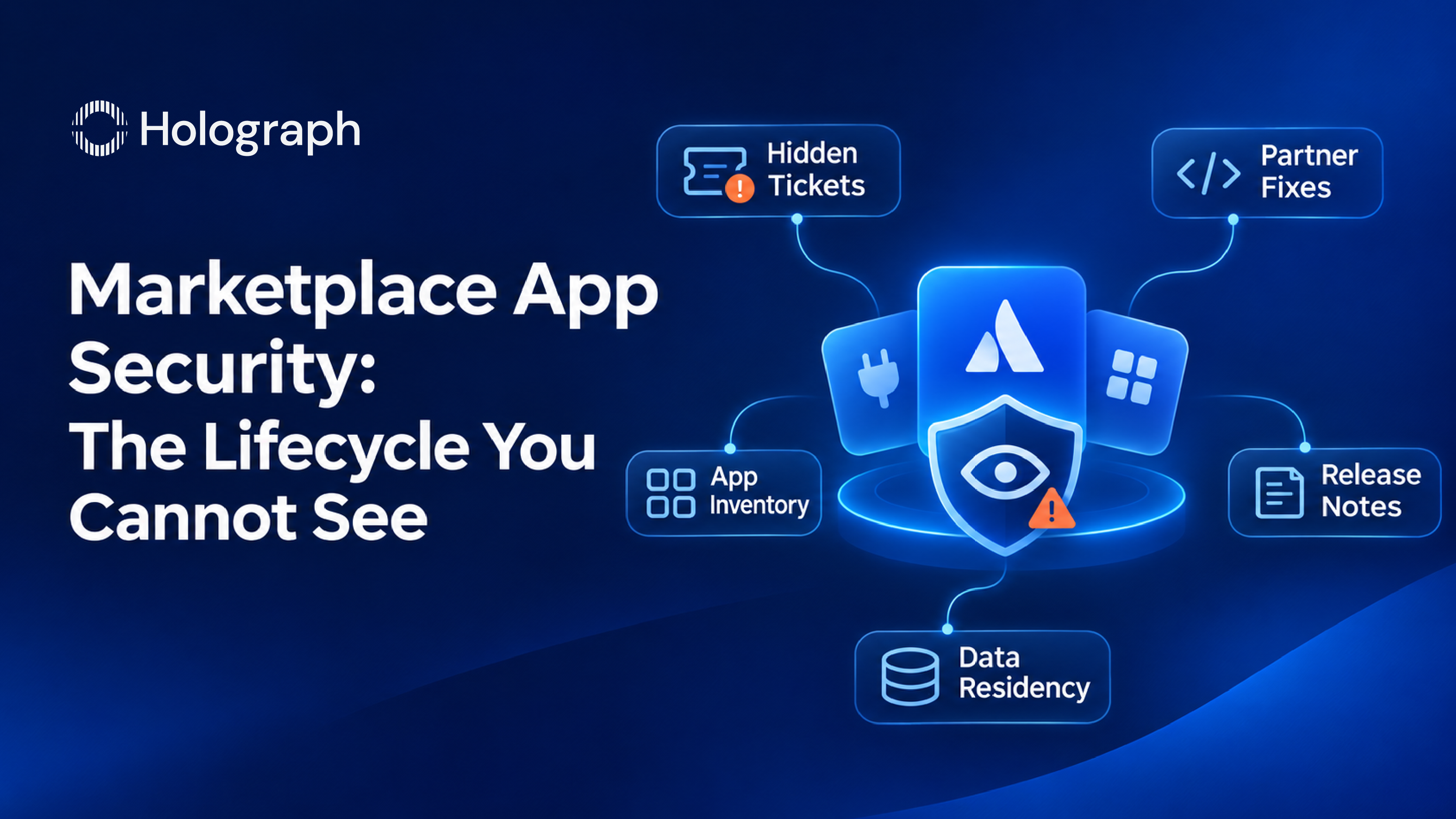
Atlassian tracks vulnerabilities in Marketplace apps through a program it calls Atlassian Marketplace Security, run as a single Jira project that Atlassian owns and operates. When a vulnerability is found in a partner's app, Atlassian raises a ticket carrying the details, the mitigation steps and a remediation due date, and tracks the partner's progress against it.
An automated scanner revalidates each vulnerability daily and closes the ticket within 24 hours once the fix is confirmed. Extensions are not routine: Atlassian states it does not typically accept extension requests unless there are exceptional circumstances.
Then comes the part that matters for you. Access to those tickets is limited to the partner's assignee and named participants. The customer running the app is not a party to it. You do not see the vulnerability, the due date, or whether the partner is making progress. Your first signal is a release note, if the partner writes a clear one.
What "hidden" actually means
Atlassian's enforcement for a missed deadline is that the app gets hidden, and it is unhidden within 24 hours once the fix lands. Read that as what it is. Hiding is an action on the Marketplace listing. It stops the app reaching new customers while the partner is in breach, which is the right thing for Atlassian to do. It does not patch the copy already installed in your instance, and nothing about it reaches into your estate.
So the enforcement works as intended and still leaves you where you started: running an app with a known issue until the partner ships and you upgrade. The signal that would have told you is on a ticket you cannot read.
The app data you cannot pin, and cannot delete
Two constraints from elsewhere in this set land squarely on Marketplace apps. Data residency does not fully cover them. Atlassian's in-scope table lists Marketplace and app data on both sides of the line, some pinnable and some not, which means part of what your apps hold sits outside whatever region you chose. If your compliance position depends on geography, apps are a gap in it.
Offboarding does not fully reach them either. When you delete a user's Atlassian account, Atlassian's own confirmation email lists Marketplace and custom apps that may have stored that person's profile information, and its guidance is that you contact the Marketplace partner to have it removed. That is a manual step, per app, per leaver, and no automation in your estate will do it.
Both of those are documented behavior rather than defects. They are also two more places where the boundary of your control is further in than it looks.
Data Center apps have their own end date
If you run self-managed, your apps are on a clock that is shorter than you might assume.
Atlassian stopped accepting new Data Center app submissions to the Marketplace in December 2025. Existing customers can buy Data Center apps until 30 March 2028. On 28 March 2029, Data Center subscriptions and the associated Marketplace apps expire and become read-only.
The practical consequence is worth planning for now rather than in 2028. An app that is central to a workflow may have no Cloud equivalent, may have one that works differently, or may have a partner who decides not to build one. That assessment belongs in the migration plan, and the time to run it is while there is still room to change the workflow. The wider timeline sits in our Data Center end of life roadmap.
What to do before you install, and after
Atlassian is explicit that the choice of which apps to install and trust is the customer's. Its shared responsibility material asks you to assess the suitability of any Marketplace app based on the information the partner provides, and to notify Atlassian of malicious behavior you identify in one.
That makes the useful work front-loaded. Before installing, look at what the partner publishes about its own security practice, whether it participates in Atlassian's security programs, what data the app reads and stores, and whether it holds data outside the region you have pinned. After installing, the app belongs on the same inventory as everything else, with an owner, a version, and somebody who reads its release notes.
The uncomfortable version of that advice is the honest one: every app you install is a vendor relationship you are now responsible for, and the number of them in a mature estate is larger than anyone has written down. Cost is the usual reason to go looking, and we cover that angle in our piece on Atlassian Marketplace app costs. Security is the better reason.
The pattern, again
An app is a dependency with a release cycle and an owner somewhere else. It behaves exactly like the PHP runtime and the certificate authority in our pillar on enterprise security posture: somebody else's code, somebody else's clock, your exposure. The work that closes the gap is knowing what you run, who owns it, and how you would find out when it changes.
Case studies
Flight Safety Foundation. We built a unified platform on Jira Service Management, Jira Software and Confluence for an organization whose work depends on safety reporting being accurate and traceable. The implementation integrated five Marketplace plug-ins covering scripting and automation, service portal design, dashboard filtering, structured data handling and attachment management, each chosen for a specific gap in the native products. That is a realistic app footprint for a mid-sized estate, and it is five more dependencies to inventory, version and watch.
MCX. The Multi Commodity Exchange of India is a government-regulated commodity derivatives exchange. Monthly threat simulations surfaced vulnerabilities across its Jira, Confluence and Bitbucket deployment, and plug-in upgrades were part of the remediation work alongside custom fixes for issues that had no direct patch from Atlassian.
If you cannot produce a current list of the apps in your estate with an owner against each one, talk to us about an estate review.
Frequently asked questions
Does Atlassian check Marketplace apps for vulnerabilities?
Yes. Atlassian runs a program called Atlassian Marketplace Security, a Jira project it owns and operates, which raises tickets to partners carrying vulnerability details, mitigation steps and a remediation due date. An automated scanner revalidates daily and closes the ticket within 24 hours once a fix is confirmed.
Will Atlassian tell me if an app I use has a vulnerability?
Not through that program. Access to those tickets is limited to the partner's assignee and named participants, so the customer running the app is not a party to it. You find out when the partner publishes a release, which makes the quality of a partner's release notes a security characteristic worth checking before you install.
What happens when an app partner misses the deadline?
The app is hidden, and it is unhidden within 24 hours once the fix lands. Hiding is an action on the Marketplace listing, so it stops new installs while the partner is in breach. It does not change the copy already installed in your instance, which still needs upgrading by you.
Does data residency cover Marketplace apps?
Partly. Atlassian's in-scope table lists Marketplace and app data on both sides, some of it pinnable and some not, so part of what your apps hold sits outside the region you selected. If a compliance position rests on geography, apps are a gap worth testing.
What happens to app data when someone leaves?
Deleting an Atlassian account does not clear data a Marketplace app has stored about that person. Atlassian's deletion confirmation lists apps that may hold their profile information, and its guidance is to contact the Marketplace partner directly. It is a manual step for each app and each leaver.
What happens to Data Center apps at end of life?
Atlassian stopped accepting new Data Center app submissions in December 2025, existing customers can purchase Data Center apps until 30 March 2028, and on 28 March 2029 Data Center subscriptions and their associated Marketplace apps expire and become read-only. Apps with no Cloud equivalent are a migration constraint rather than a licensing line item, so assess them early.
Inventory the apps before you trust them