How to Rationalise Atlassian Marketplace App Costs
Marketplace apps are frequently a large share of the total Atlassian bill, and they are the line item almost nobody reviews. Each app looked small when it was approved: one for reporting, one for forms, one for diagrams, one for permissions. A year or two later they add up to a stack of recurring charges that no single person owns and no annual review ever questions.
The good news is that app spend responds to the same discipline as seat spend. Here is how to bring it back under control.
How Marketplace apps are priced
App pricing is where the seat problem compounds. A Marketplace app is usually charged either against the number of users in the Atlassian product it is installed on, or against the number of users of the app itself. In practice, that means an app installed on Jira is often priced against your entire Jira user count, even when only a small team relies on it.
There is a useful nuance in how this interacts with your main bill. Users that exist only because of a Marketplace app do not count toward your Atlassian product user total or the product bill. But the app is still charged on its own basis, and where that basis is the host product's user count, every inactive Jira or Confluence seat you are already paying for is also inflating the cost of every app installed on that product. Cleaning up seats lowers app cost as a second-order effect, which is one reason a seat review pays back further than it first appears. The seat method is in our guide to reducing Jira licensing costs.
Run an annual app audit
Put every installed app on an annual review, ideally on the same calendar as the platform renewal so the whole Atlassian bill is priced together. For each app, gather three things: whether it is still used, how many people actually use it, and whether a native Atlassian feature now covers the same need. Atlassian has expanded native functionality over time, and automation is a common example, since current Jira Cloud plans include automation allowances that can cover use cases that once justified a separate app.
The audit should not start with "does anyone use this." It should start with two sharper questions: do we still need this at all, and if so, do we need it at this scale?
To answer them, pull whatever usage data each app exposes, whether that is built-in usage metrics, admin audit logs, or the app's own reporting, and set a simple bar: an app with no meaningful activity since the last review is a candidate to remove, not to renew by default. Where the data is thin, a short conversation with the team that requested the app usually settles whether it still earns its place, and who actually depends on it. Recording that owner and that headcount makes the next review faster and turns a once-a-year scramble into a routine check.
Three categories a good audit finds
A disciplined review almost always sorts the app stack into three groups.
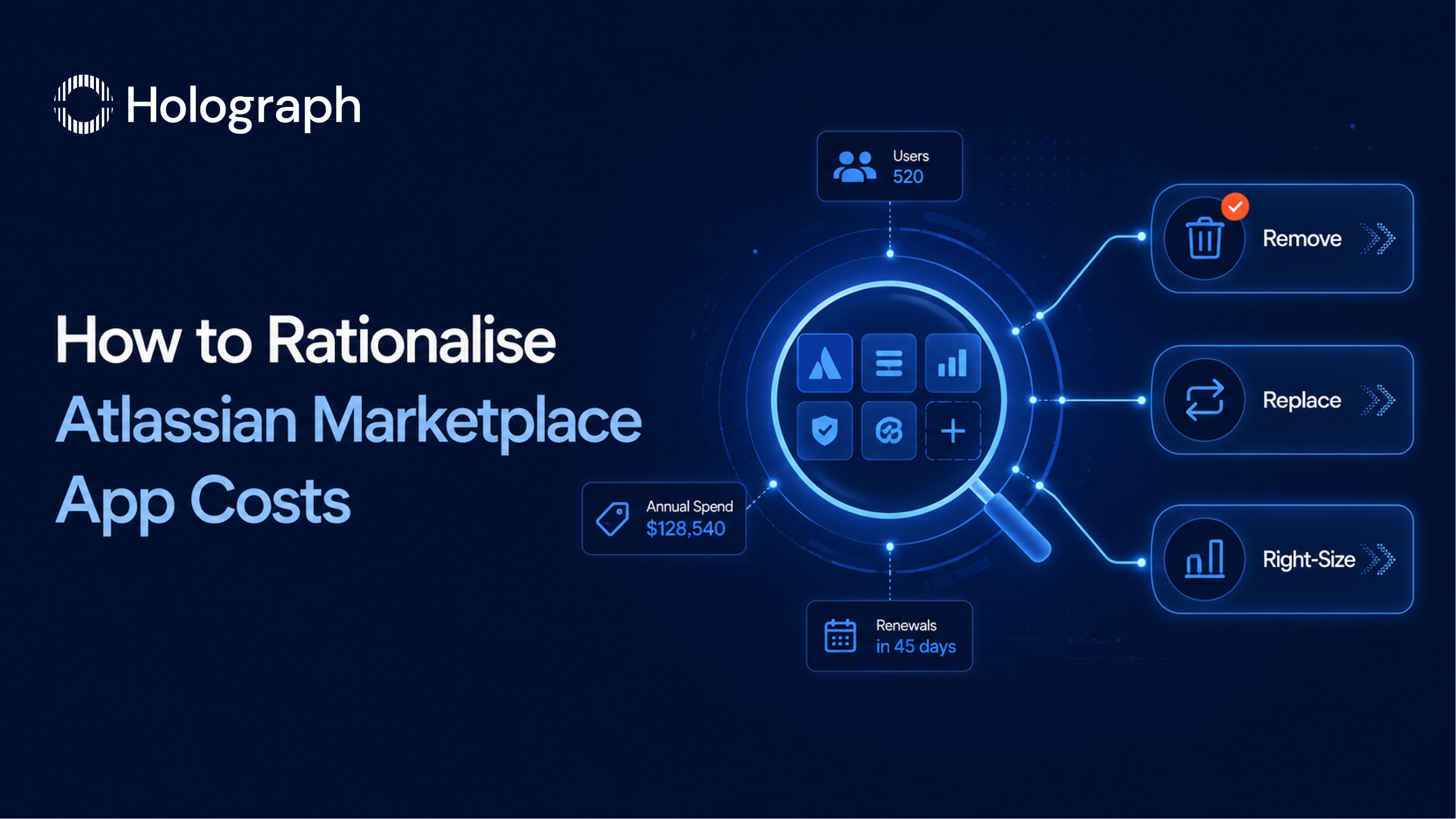
The first is apps nobody needs anymore. Requirements changed, a project ended, or the team that championed the app moved on. These come out entirely.
The second is apps that solved a problem Atlassian now handles natively. The need is real, but the paid app is no longer the way to meet it. These are replaced by the built-in feature, which removes the charge without removing the capability.
The third is apps that are genuinely useful, but for a smaller group than the current license covers. These stay, right-sized to the people who actually use them.
Cutting the first two groups and right-sizing the third is where the saving is. The goal is not to ban apps. Good apps earn their place. The goal is to make each one justify its cost against real use.
Match the app tier to real demand
Because many apps are priced in user bands that track the host product, an app on a 500-user Jira can be billed for 500 users even when a single team of twenty depends on it. Where an app supports scoping to fewer users, or can be installed on a smaller, separate instance for the team that needs it, that is often a larger saving than removing apps outright. Check each retained app for a lower band that matches its real audience before you accept the host-count price by default.
Keep app spend on the renewal calendar
App subscriptions renew on their own cycles, which is exactly why they drift out of view. Aligning the app review with the platform renewal keeps the whole Atlassian bill on one calendar, so the estate is priced as a whole rather than as a platform line plus a dozen unwatched app lines. For the full estate view, start with our enterprise guide to reducing Atlassian licensing costs, and fold the app audit into your renewal preparation.
Frequently asked questions
How are Atlassian Marketplace apps priced?
Usually per user, either against the number of users in the host Atlassian product or against the number of users of the app itself. An app on Jira is often priced against your whole Jira user count, even if only a small team uses it.
Why did our app bill grow faster than our team?
Because app cost scales with the licensed user count of the host product, and because apps are added over time without a matching review. Inactive seats and app sprawl compound, so the bill climbs even when active usage does not.
Do Marketplace app users count toward our Atlassian bill?
Users that exist only because of a Marketplace app do not count toward your Atlassian product user total or the product bill. The app itself is still charged, though, usually against the host product's user count.
How do we decide which apps to cut?
Audit each app on three questions: is it still used, by how many people, and is it now covered by a native feature. Cut what is unused or replaced, and right-size the rest to the people who actually rely on it.
Rein in Marketplace app spend