Microsoft 365 Copilot Licensing: What Enterprises Should Decide Before Rolling It Out
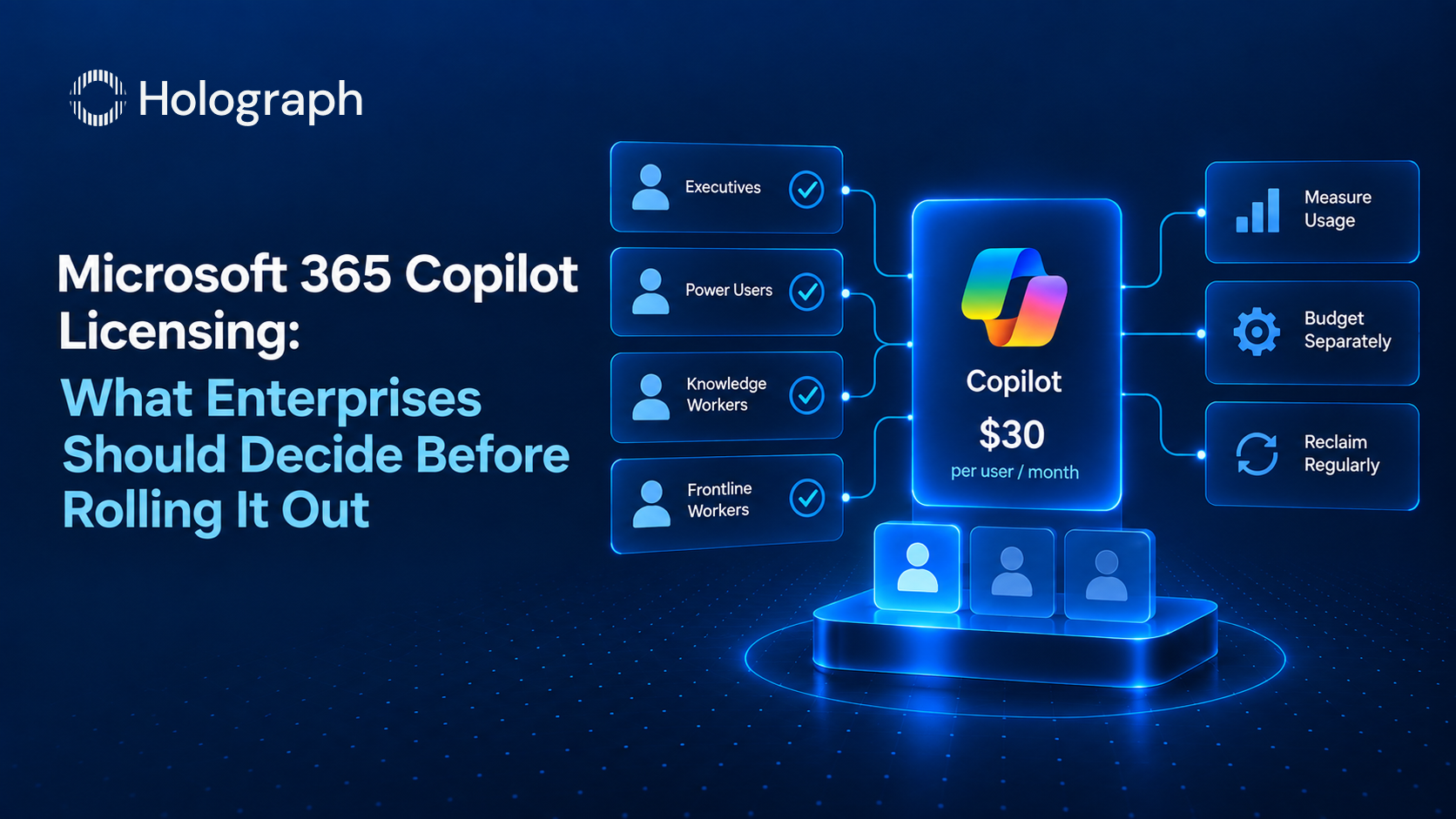
Microsoft 365 Copilot lists at $30 per user per month, on an annual commitment. It is the largest new licensing decision most enterprises face in 2026, and the most common way to get it wrong is to switch it on for a whole department to see who uses it. The seats bill from day one. The value shows up only for the people who actually work inside it. The gap between those two is where Copilot budgets overrun.
This guide covers what a Copilot license actually is, the plans it comes in, the costs that sit beyond the per-user seat, and how to decide who to license so the spend tracks real use.
What a Copilot license actually is
Microsoft 365 Copilot is a paid add-on, a User Subscription License, layered on top of an existing Microsoft 365 subscription. It is not included in E3 or E5 by default, which is the single most common misconception. To assign it, a user needs a qualifying base plan: Microsoft 365 E3 or E5, Office 365 E1, E3, or E5, or a Microsoft 365 Business plan. The Copilot license is then purchased and assigned separately, per user.
There are two layers, and the difference matters for both experience and cost. Copilot Chat is the web-grounded assistant, included with eligible Microsoft 365 plans at no additional cost. The paid $30 license is what unlocks Copilot inside Word, Excel, PowerPoint, Outlook, and Teams, grounded in your organisation's own data through Microsoft Graph, along with the pre-built agents and the priority models. Everyone with an eligible plan already has the free Chat layer. The question a licensing decision answers is who needs the paid in-app layer on top of it.
The plans, and which one fits
Three commercial options exist, and matching the right one to the organisation avoids paying for the wrong tier.
Microsoft 365 Copilot is the enterprise add-on at $30 per user per month, available on E3, E5, and Office 365 base plans, with no seat ceiling. This is the option for organisations above a few hundred users.
Microsoft 365 Copilot Business is the option for organisations on Microsoft 365 Business plans (Basic, Standard, or Premium). It delivers the same core capabilities and supports up to 300 seats per tenant. Organisations above 300 users move to Microsoft 365 Copilot instead.
Copilot Pro, at $20 per user per month, is a consumer and small-business plan. It does not carry the enterprise data protection, tenant-level controls, or Graph grounding that a regulated organisation needs, and it is not the right choice for an enterprise deployment. Naming it here matters only because the price looks close to the $30 enterprise seat, and choosing it to save $10 buys the wrong product.
Why the $30 seat is not the whole bill
The biggest budgeting mistake after over-assigning seats is assuming $30 per user covers everything. It covers the in-app Copilot experience. It does not cover the agent economy that sits around it.
Agents built in Copilot Studio, autonomous and high-volume automation workflows, external data connectors, and Copilot Cowork tasks are billed on consumption, separately from the per-user seats, through Microsoft's pay-as-you-go model. Users without a paid license who lean on Chat agents or SharePoint agents can also generate pay-as-you-go charges. None of this appears on the per-seat line, which is why it is the part of the bill that surprises finance mid-year.
The discipline is to treat Copilot as two budgets, not one. The seat spend is predictable and per-user. The consumption spend is variable and needs its own budget, usage alerts, and a named owner, so an agent experiment in one team does not quietly become an unmanaged running cost across the tenant.
The activation gap
The pattern that wastes the most Copilot money is the activation gap. A wave of seats is assigned in the first flush of a rollout, and a significant share of them go unused for months while the licenses bill in full. The enthusiasm to deploy runs ahead of the work to adopt, and the difference is paid for every month until someone reviews it.
Avoiding it is a sequencing decision. License in cohorts tied to roles that will genuinely use Copilot in their daily work, pair each cohort with the adoption support that turns a seat into a habit, and measure activation before expanding. A seat that is assigned but never opened is not a productivity investment. It is a recurring cost with no return.
How to decide who gets a license
Copilot earns its cost for people whose daily work happens inside the Microsoft 365 apps and who can show time saved that exceeds the seat price. That is a role question, not an organisation-wide one.
Start with the roles where the return is clearest: people who draft, summarise, analyse, and communicate inside Word, Excel, PowerPoint, Outlook, and Teams for most of the day. Give them the paid seat, support the adoption, and measure the result. Leave the rest of the organisation on the free Copilot Chat layer they already have, and expand from evidence rather than from enthusiasm. The E3 versus E5 question sits alongside this one, and both are covered in our enterprise guide to reducing Microsoft 365 licensing costs.
The reclaim discipline
Copilot licensing is not a one-time purchase. Run a reclaim on a regular cadence, quarterly at least. Pull activation and usage data, identify the paid seats that are dormant, and reassign them to people on the waitlist rather than renewing them unused or buying new ones. Because Copilot is an annual commitment, the reclaim is what keeps the committed seat count matched to the population that actually uses it, and it turns a static licence pool into one that moves to where the value is. This is the same seat discipline that runs across every part of a Microsoft estate, covered in our guide to the signs an enterprise is overspending on software licenses.
Frequently asked questions
How much does Microsoft 365 Copilot cost?
Microsoft 365 Copilot for enterprise lists at $30 per user per month on an annual commitment. It is a paid add-on that requires a qualifying Microsoft 365 or Office 365 base plan, and it is assigned per user.
Is Copilot included in Microsoft 365 E3 or E5?
No. Copilot is not included in E3 or E5 by default. Those plans qualify as the base subscription, but the Copilot license must be purchased and assigned separately as a $30 add-on. Copilot Chat, the basic web-grounded assistant, is included with eligible plans at no extra cost.
What is the difference between Copilot Chat and Microsoft 365 Copilot?
Copilot Chat is the free, web-grounded assistant included with many Microsoft 365 plans. Microsoft 365 Copilot is the paid seat that adds Copilot inside Word, Excel, PowerPoint, Outlook, and Teams, grounded in your own organisational data through Microsoft Graph.
Does the $30 per user cover everything?
No. The seat covers the in-app Copilot experience. Agents in Copilot Studio, autonomous workflows, connectors, and Copilot Cowork tasks are billed separately on consumption through pay-as-you-go. Budget the seats and the consumption as two distinct lines.
How do we avoid wasting money on Copilot licenses?
License by role to the people who will use Copilot daily, measure activation before expanding, and run a quarterly reclaim that reassigns dormant seats rather than renewing them unused. Leave the rest of the organisation on the free Copilot Chat layer.
Rolling out Copilot? Right-size it first