How to Cut Confluence Licensing Costs: Billable Users and Guest Access
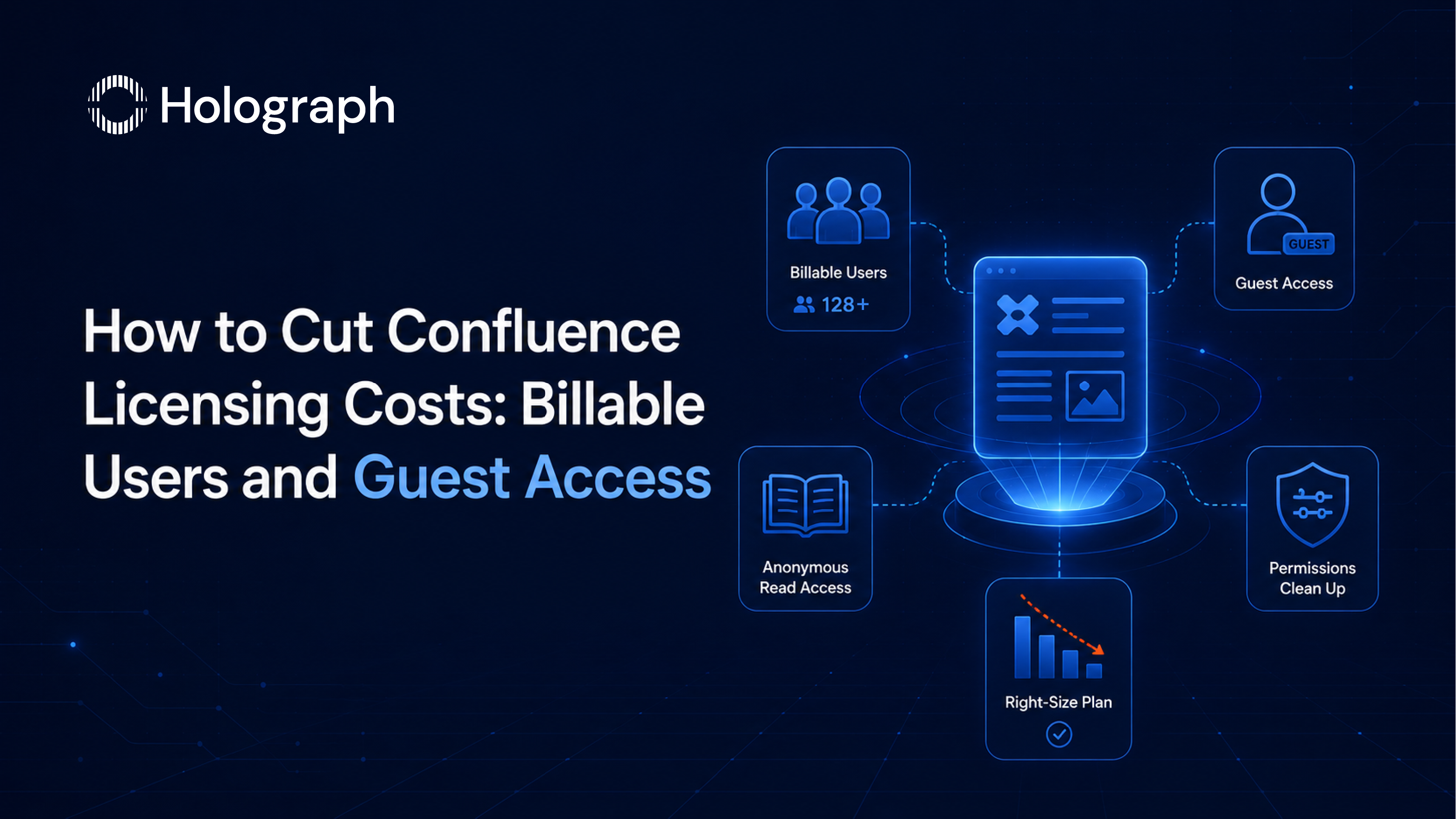
A global steel manufacturer removed 400 idle Confluence seats in one licensing review, more than it cleared in Jira. That is not unusual. Confluence seat counts grow faster than most teams expect, and the reason is simple: in Confluence, reading costs the same as writing.
Here is how to bring a Confluence bill back in line with who actually needs access, without locking anyone out of the pages they rely on.
Why Confluence bills more than you expect
Confluence Cloud bills per user, and any user with access to the product is billable, whether they write pages every day or only ever read them. Because read access spreads easily, a Confluence space that started with a small team can end up licensing a large fraction of the company. Every person handed a link and granted access is a paid seat, and those seats accumulate quietly.
The billing model makes the drift expensive. On monthly plans, Confluence uses Maximum Quantity Billing, so you are charged for the highest number of seats assigned during the cycle, and removing a seat mid-cycle does not credit that period. On annual plans, the tier is fixed for the term. Either way, a seat you granted and forgot keeps costing you until you actively remove it, which is why Confluence is often the single largest source of avoidable seat cost in an Atlassian estate. The fix is not to restrict people who genuinely need the content. It is to stop paying full seats for people who do not.
Set space permissions so access is deliberate
Confluence access is governed at two levels, and using both keeps seat counts honest. Space permissions decide who can enter a space at all, and page restrictions narrow access to specific pages inside it. When broad space permissions grant a whole department entry to a space only a few people use, every one of those people becomes a billable user by default. Tightening space permissions to the teams that actually work in a space, and using page restrictions for the sensitive exceptions, is the difference between deliberate access and access by accident.
Use Confluence guests for narrow external access
Confluence includes free guest access built for a specific situation. Guests are free of charge, up to five per paid user, and are intended for people outside your organisation who only need one space: an agency, a contractor, a legal reviewer, or a customer working on a shared rollout. A guest is limited to a single space at a time, which keeps access tight and well defined rather than sprawling across the site.
There are two boundaries to respect. Guests are for external collaborators, not a way to avoid licensing employees who should hold paid seats, and Atlassian is explicit that current or former paid users must not simply be converted into guests. Used properly, though, guest access replaces a paid seat every time someone only needs to work in one space, and with up to five guests allowed per paid user, the headroom is substantial for organisations that collaborate widely with outside parties.
For content that can be open, anonymous access is a further lever. Where a space holds information that does not need to be restricted, allowing anonymous read access lets people view it without holding a billed seat at all. It suits public documentation, published policies, and reference material that a wide audience reads but never edits, and it removes those readers from the seat count entirely rather than moving them to a guest slot.
Review and remove access on a schedule
The same discipline that controls Jira cost controls Confluence cost: a recurring access review. Pull the user list, check who still needs paid access, and remove or downgrade the rest. Pay particular attention to two sources of quiet growth. The first is broad space permissions that grant access to more people than the content requires. The second is directory sync: where accounts are provisioned from a synced identity directory, a synced account with product access stays billable until it is removed from the directory, even if the person has left.
Set the review on a monthly or quarterly cadence and run it before any renewal, so the seat count you commit to reflects real need. This mirrors the seat discipline in our guide to reducing Jira licensing costs.
Right-size the Confluence plan to real need
Confluence Cloud runs across Standard, Premium, and Enterprise. Standard covers core knowledge management with 250 GB of storage, guest access, and page analytics. Premium adds unlimited storage, richer intranet features, admin insights, a 99.9% uptime SLA, and 24/7 support. Enterprise adds a 99.95% SLA, multiple sites under central administration, and bundled Atlassian Guard for security. As with Jira, the saving is in matching the plan to the features teams actually use rather than defaulting everyone to a higher tier. For the full estate view, see our enterprise guide to reducing Atlassian licensing costs, and time the plan decision with your renewal.
Frequently asked questions
Who counts as a billable Confluence user?
Anyone with access to the product. Confluence bills per user, and read access is billable just like edit access, which is why broad read permissions inflate the seat count.
Are Confluence guests free?
Yes, within limits. Guests are free of charge, up to five per paid user, are meant for external collaborators, and can access a single space at a time. They are not a substitute for licensing employees who need full access.
Does read access really cost the same as editing?
Yes. Confluence billing is based on product access, not on what a user does with it, so a read-only user is billed the same as an editor. Guest access and tighter space permissions are the ways to give people the content they need without a full paid seat.
How do we cut Confluence cost without losing access people need?
Review access on a schedule, move narrow external collaborators to free guest access, and tighten broad space permissions. People who genuinely need the content keep it; the estate stops paying for people who do not.
Pay for the Confluence access people actually use