How to Reduce Jira Licensing Costs: Right-Size Users and Tiers
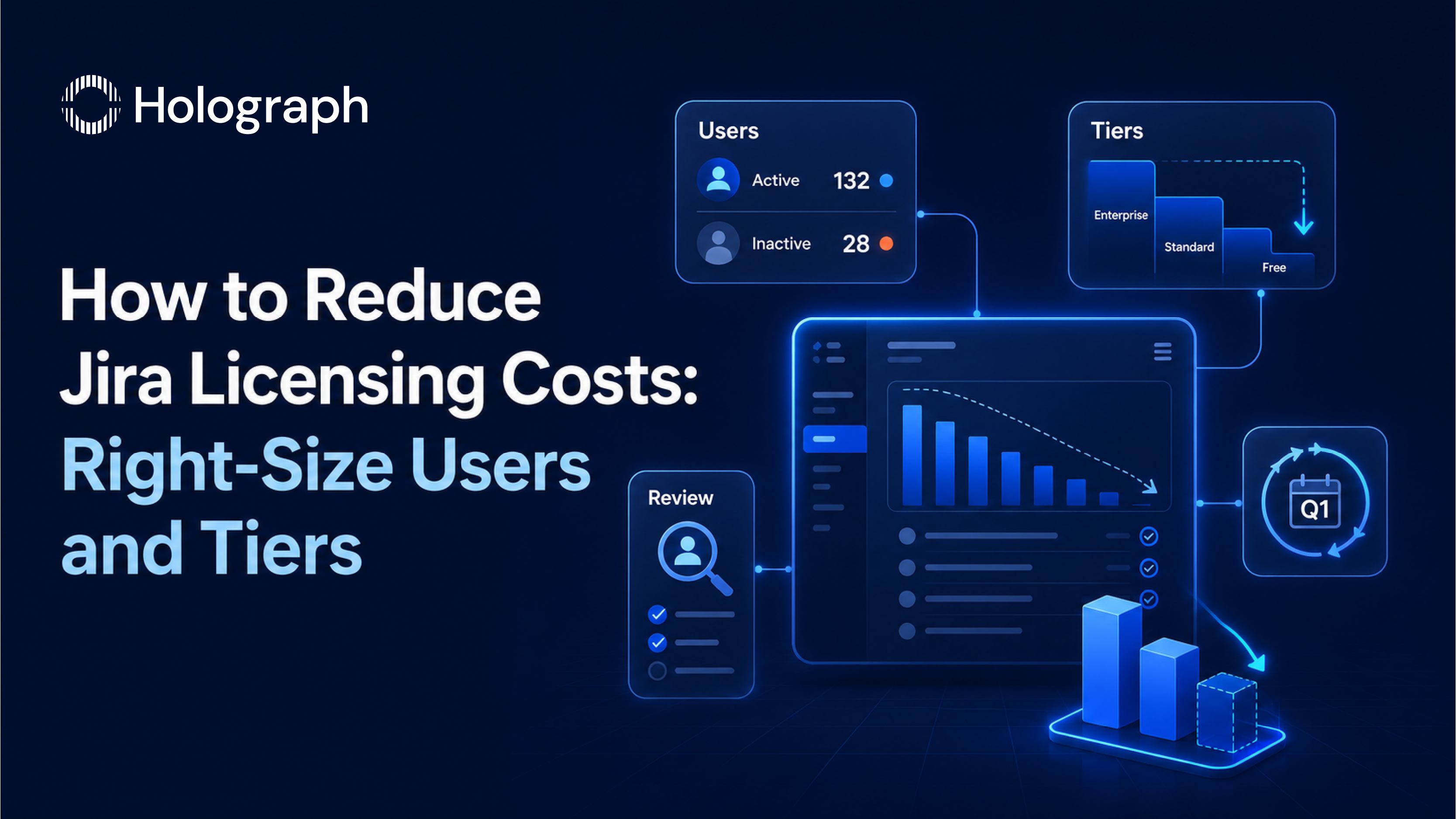
A global steel manufacturer cleared 300 idle Jira seats in a single licensing review. Those seats had been renewing automatically while the people they belonged to had moved on, changed roles, or never used Jira in the first place. Removing them was part of right-sizing a fixed 500-user arrangement down to the 200 people actually working in the tool, and it helped cut the company's annual Atlassian licensing costs by 43%.
Jira cost problems are usually seat problems. The work below finds the waste and removes it, without changing how any team uses Jira.
How Jira per-user pricing works
Jira Cloud bills per user on banded tiers, and the per-user rate steps down as the user count rises. That banding matters because crossing a boundary reprices the whole population, not just the extra seats. An estate sitting just above a band can pay a premium for a handful of users, which is why a few uncontrolled additions can move the bill more than their headcount suggests.
Two billing rules decide how much a messy user list costs you. On monthly plans, Atlassian uses Maximum Quantity Billing: you are charged for the highest number of seats assigned at any point in the cycle, and removing seats mid-cycle does not credit that period. On annual plans, the user tier is fixed for the term and cannot be changed until renewal, and adding seats mid-term needs a formal upgrade quote. Both models reward a clean count set before you commit, and both punish an inflated one.
Find the inactive seats
Atlassian records each user's last activity in the Last Seen column in the admin console, so inactive accounts are visible without any extra tooling. Start there. Pull the list, sort by last activity, and flag anyone who has not used the product in a meaningful period.
From there you have three moves, and the difference matters. Deactivating or removing a user stops the charge, but a user provisioned from a synced identity directory has to be removed from that directory, or dropped from the sync, to stop counting. This is a common trap: offboarding that clears the identity but leaves product access in place keeps paying for people who have already left. Where you are unsure whether a seat is still needed, suspend it rather than delete it. Suspended users are not billed, and their roles and group memberships return if you restore access later. That makes suspension a low-risk way to test whether someone still needs a paid seat, which is why we recommend a recurring review rather than a one-time purge.
Watch the tier boundary
Because crossing a band reprices every seat, the goal at renewal is to land at the bottom of a tier rather than the top of the one below it. Before you commit, map your cleaned-up user count against the published bands. If a handful of inactive seats are pushing you over a boundary, removing them can drop the per-user rate for the entire estate, so the saving compounds well beyond the seats you cleared. This is arithmetic worth doing deliberately, not a discount to ask for.
Right-size the plan
The second lever is the plan itself. Jira Cloud runs across Standard, Premium, and Enterprise, and each step adds features, support, and a higher per-user rate. Standard covers core work with business-hours support and 250 GB of storage. Premium adds advanced roadmaps for cross-team planning, unlimited storage, sandbox and release tracks, a 99.9% uptime SLA, and 24/7 support. Enterprise adds a 99.95% SLA, multiple sites under central administration, and centralised per-user licensing, so a user across several instances is paid for once.
The saving comes from matching the plan to what teams actually use. If a team is paying for Premium planning features it never opens, Standard may serve it at a lower rate. This is a per-team question, not an all-or-nothing one, and it is worth answering before every annual renewal rather than defaulting the whole organisation to a single tier.
Build a repeatable Jira seat review
A one-time cleanup drifts back within a couple of quarters as new people join and others leave. The durable fix is a review on a fixed cadence, monthly or quarterly, that asks one question for each seat: does this person still need paid access to Jira right now? Each cycle, check three things: users with no recent activity in the Last Seen data, accounts still synced from the directory for people who have left, and teams whose plan no longer matches the features they use. Assign an owner for the user list so the count tracks real headcount, and run the full review, seats and plan together, before any renewal, so the tier you commit to reflects real demand rather than an inflated list. The review takes hours; the seats it clears keep paying back at every renewal that follows.
This is the same seat discipline that drives Confluence licensing costs, and it feeds directly into how you negotiate your Atlassian renewal. For the full picture across the whole estate, start with our enterprise guide to reducing Atlassian licensing costs.
Frequently asked questions
How do I find inactive Jira users?
Use the Last Seen column in the admin console. It records each user's most recent activity, so you can identify accounts that have not been used in a meaningful period and review them for deactivation or suspension.
Does suspending a user reduce the bill?
Yes. Suspended users are not billed for that site, and their roles and group memberships return when you restore access. It is a safe way to test whether a seat is still needed before deleting it.
Why are we still billed for users we removed?
Usually because they are provisioned from a synced identity directory. A synced account with product access is billable until it is removed from the directory or dropped from the sync, even if it was cleared elsewhere.
Which Jira Cloud plan do I actually need?
The one whose features your teams use. Premium is worth it for teams that rely on advanced roadmaps, the higher SLA, and 24/7 support. Teams that do not use those features often run well on Standard at a lower per-user rate.
Stop paying for Jira seats no one uses